




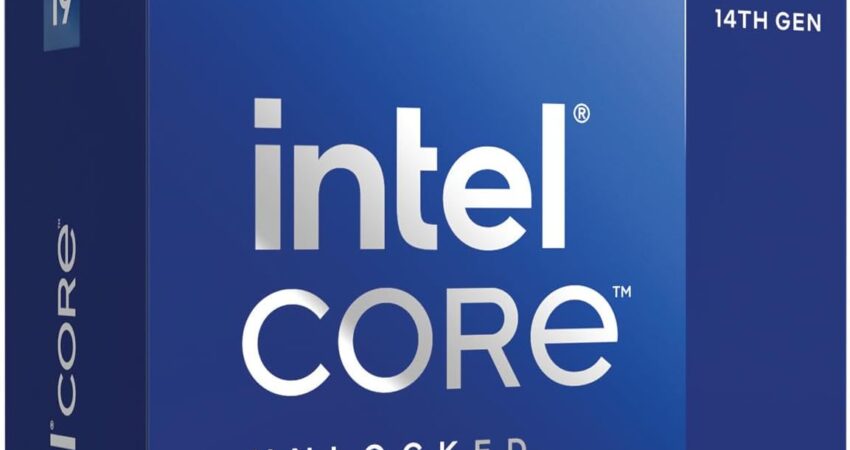
The best Intel CPU for gaming right now is the Core Ultra 7 270K Plus, though which Intel chip is actually right for you depends heavily on your GPU, your target resolution, your cooling setup, and how much you’re willing to spend on a motherboard to go with it.
Intel still makes excellent gaming processors. AMD’s X3D chips get most of the headlines for pure frame rates, but plenty of gamers prefer Intel for platform pricing, software stability, productivity performance, or simply because their last three builds were Intel and they don’t want to relearn a new chipset ecosystem. None of those are bad reasons.
The mistake most buyers make isn’t picking Intel over AMD. It’s overspending on a CPU that won’t actually move the needle in their specific build.
If you’re gaming at 1440p with a mid-range GPU, a $600 flagship processor will sit there mostly idle while your graphics card does the heavy lifting. If you’re running an RTX 5090 at 1080p competitive frame rates, an entry-level chip will absolutely choke that card’s potential. The goal isn’t buying the most expensive Intel processor on the shelf — it’s matching the right chip to your GPU, your resolution, and your budget so your money actually shows up as performance on screen.
That’s what this guide is built around.
Our Personal Pick: Intel Core Ultra 7 270K Plus
If we were building a new gaming PC today and wanted the single best balance of gaming performance, efficiency, and long-term value, the Intel Core Ultra 7 270K Plus is where we’d put our money.
Intel released this chip in March 2026 as part of its “Arrow Lake Refresh,” and it’s the rare refresh that actually fixes the problems people had with the original Core Ultra 200S launch. It launched at $299, which is genuinely aggressive pricing for a chip with 24 cores (8 performance cores, 16 efficiency cores) and 36MB of cache.
Here’s why it earns the top spot:
- Gaming performance. Reviewers found it closed most of the gap that made the original Core Ultra 200S series a tough sell for gamers, with Intel’s iBOT (Binary Optimization Tool) software adding measurable frame rate gains in supported titles.
- Power efficiency. It’s built on TSMC’s 3nm node, which keeps thermals and power draw far more reasonable than older Raptor Lake chips at similar performance tiers.
- DDR5 support. The “Plus” branding bumps officially supported memory speed to DDR5-7200, up from 6400 MT/s on the non-Plus models, which matters for both gaming and productivity workloads.
- Platform longevity. It sits on Intel’s LGA1851 socket, which is Intel’s current and forward-looking platform — a safer long-term bet than buying into LGA1700 at this point.
- Upgrade path. Because it shares a socket with the rest of the Core Ultra 200-series lineup, you can drop in a cheaper Ultra 5 now and upgrade to this chip (or beyond) later without a full rebuild.
- GPU pairing. It has more than enough single-thread and multi-thread performance to keep an RTX 5070 or RTX 5080 fed without bottlenecking, especially at 1440p and above.
It’s not the fastest gaming chip Intel sells (the Ultra 9 285K and certain 14th-gen i9 chips edge it out in select titles), and it’s still not the outright fastest gaming CPU on the market — AMD’s X3D lineup holds that crown. But as an all-around pick that balances price, platform, and performance, it’s the one we’d actually buy.
Quick Comparison: Best Intel Gaming CPUs at a Glance
| CPU | Cores / Threads | Boost Clock | Cache | Socket | Integrated Graphics | Best For |
|---|---|---|---|---|---|---|
| Core Ultra 7 270K Plus | 24C / 24T (8P+16E) | 5.5 GHz | 36MB | LGA1851 | Intel Xe | Best overall gaming + value |
| Core i9-14900K | 24C / 32T (8P+16E) | 6.0 GHz | 36MB | LGA1700 | Intel UHD | High-end gaming + streaming |
| Core Ultra 5 250K Plus | 18C / 18T (6P+12E) | 5.3 GHz | 30MB | LGA1851 | Intel Xe | Best mid-range value |
| Core Ultra 5 245K | 14C / 14T (6P+8E) | 5.2 GHz | 24MB | LGA1851 | Intel Xe | RTX 5070-class builds |
| Core i7-14700K | 20C / 28T (8P+12E) | 5.6 GHz | 33MB | LGA1700 | Intel UHD | Competitive gaming on a budget motherboard |
| Core i5-14400F | 10C / 16T (6P+4E) | 4.7 GHz | 20MB | LGA1700 | None | Best budget build |
| Core i3-14100F | 4C / 8T | 4.7 GHz | 12MB | LGA1700 | None | Entry-level / esports titles |
| Core Ultra 5 235 | 14C / 14T (6P+8E) | 5.0 GHz | 24MB | LGA1851 | Intel Xe | Builds needing display output |
| Core i5-13600K | 14C / 20T (6P+8E) | 5.1 GHz | 24MB | LGA1700 | Intel UHD | Last-gen value pick |
Prices fluctuate constantly with retailer promotions, so treat these as ranges rather than exact figures — always check current pricing before buying.
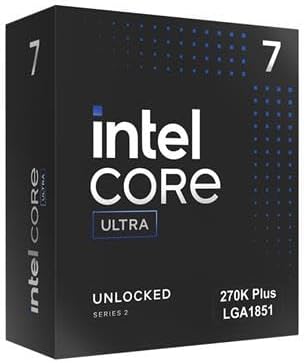
Best Intel CPU Overall for Gaming: Intel Core Ultra 7 270K Plus
 Check Price on Amazon
 This is the chip we’d recommend to most gamers building or upgrading an Intel system in 2026.
Key Specifications
- 24 cores (8 P-cores, 16 E-cores), 24 threads
- Up to 5.5 GHz boost clock
- 36MB combined cache
- LGA1851 socket, 125W base power
- DDR5-7200 officially supported
- Integrated Intel Xe graphics
What We Like
The price-to-performance ratio is the standout here. Intel priced this chip below where the previous-generation 265K launched while giving it more cores and more cache, which is the opposite of what we usually see from a “refresh” product. It also runs cooler than older Raptor Lake chips at similar performance levels, so you don’t need an overbuilt cooling loop to keep it happy.
What We Don’t Like
The Lion Cove P-cores don’t support Hyper-Threading, so thread count tops out at 24 instead of climbing higher like older Intel chips with similar core counts. iBOT optimization, which provides some of the gaming uplift, only works in a limited (though growing) list of supported titles. And LGA1851 motherboards still carry a price premium over mature LGA1700 boards.
Why We Chose It
It’s the chip that makes the fewest compromises. You’re not overpaying for cores you won’t use in games, you’re not under-buying and bottlenecking a good GPU, and you’re buying into a current platform instead of a legacy one.
Gaming Performance
In 1440p and 4K gaming, this CPU keeps pace with chips costing significantly more, since most games at higher resolutions become GPU-bound rather than CPU-bound. At 1080p with a high-end GPU, it’s competitive but not class-leading — AMD’s X3D chips still hold an edge in CPU-bound esports titles.
Who Should Buy It
Anyone building a new Intel gaming PC from scratch, especially if pairing with an RTX 5070 or RTX 5080. Also a strong pick if you want a platform you can upgrade on later without changing motherboards.
Who Should Skip It
If you already own an LGA1700 motherboard and don’t want to replace it, this isn’t your chip — look at the i7-14700K or i9-14900K instead.
Best High-End Intel Gaming CPU: Intel Core i9-14900K
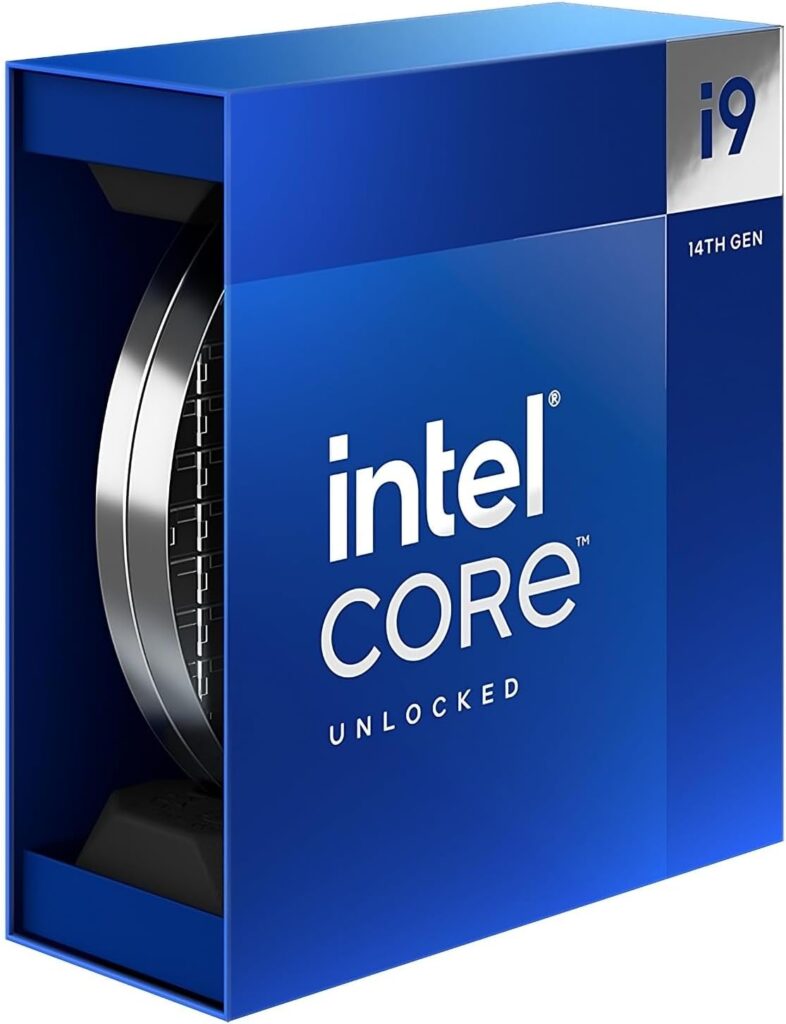
If you want maximum performance on Intel’s mature LGA1700 platform, this is still the chip to beat.
Key Specifications
- 24 cores (8 P-cores, 16 E-cores), 32 threads
- Up to 6.0 GHz boost clock
- 36MB cache
- LGA1700 socket, 125W base power (253W max turbo)
- DDR5 and DDR4 supported
What We Like
Raw clock speed is exceptional, and Hyper-Threading gives it more threads than the newer Core Ultra chips at the same core count, which helps in streaming and multitasking scenarios alongside gaming. LGA1700 motherboards are mature, plentiful, and competitively priced after years on the market.
What We Don’t Like
Power draw under full load is high, and that 253W max turbo power figure isn’t a typo — you need a serious cooler (a 280mm-plus AIO or a high-end air cooler) to keep thermals in check, and a motherboard with solid VRMs to feed it. It also represents the end of the line for LGA1700; there’s no further upgrade path on this socket.
Why We Chose It
For gamers who also stream, render, or run CPU-heavy background tasks while gaming, the extra threads from Hyper-Threading genuinely help in ways the gaming-only Core Ultra chips don’t.
Gaming Performance
Excellent across the board, particularly at 1080p and 1440p where high clock speeds translate directly into frame rate. It’s well-matched to an RTX 5080 or RTX 5090 in CPU-bound titles.
Who Should Buy It
Gamers who stream, content creators who also game, or anyone already on an LGA1700 board looking for the best chip that socket supports.
Who Should Skip It
If you’re starting fresh with no existing LGA1700 board, the platform cost plus cooling requirements make the Core Ultra 7 270K Plus a better value play with similar gaming results.
Best Mid-Range Intel Gaming CPU: Intel Core Ultra 5 250K Plus
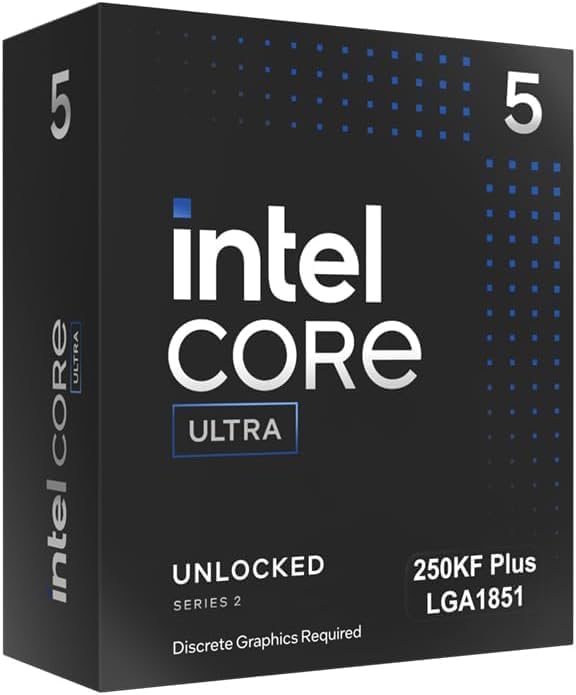
This is the chip that’s currently disrupting the budget-to-midrange segment, and it launched alongside the 270K Plus in March 2026.
Key Specifications
- 18 cores (6 P-cores, 12 E-cores), 18 threads
- Up to 5.3 GHz boost clock
- 30MB cache
- LGA1851 socket, 125W base power
- DDR5-7200 supported
What We Like
At roughly $200-220, you’re getting core counts and cache that used to require an Ultra 7-tier purchase. It also supports the same DDR5-7200 memory speeds and iBOT software optimization as its more expensive sibling.
What We Don’t Like
iBOT support is even more limited on this chip at launch, and the gap between this and the 270K Plus in heavily multi-threaded productivity work is real, even if gaming differences are smaller.
Why We Chose It
For the price, nothing else in Intel’s current lineup matches its blend of core count, cache, and platform modernity.
Gaming Performance
Strong at 1080p and 1440p, comfortably keeping pace with an RTX 5070 without introducing a CPU bottleneck. It starts to show its limits only when paired with the very top-end GPUs at competitive 1080p settings.
Who Should Buy It
Builders on a $200 CPU budget who still want a modern LGA1851 platform with an upgrade runway.
Who Should Skip It
If you’re chasing the highest possible frame rate in CPU-bound esports titles and have the budget, the 270K Plus or i9-14900K will get you further.
Best Intel CPU for RTX 5070 Builds: Intel Core Ultra 5 245K
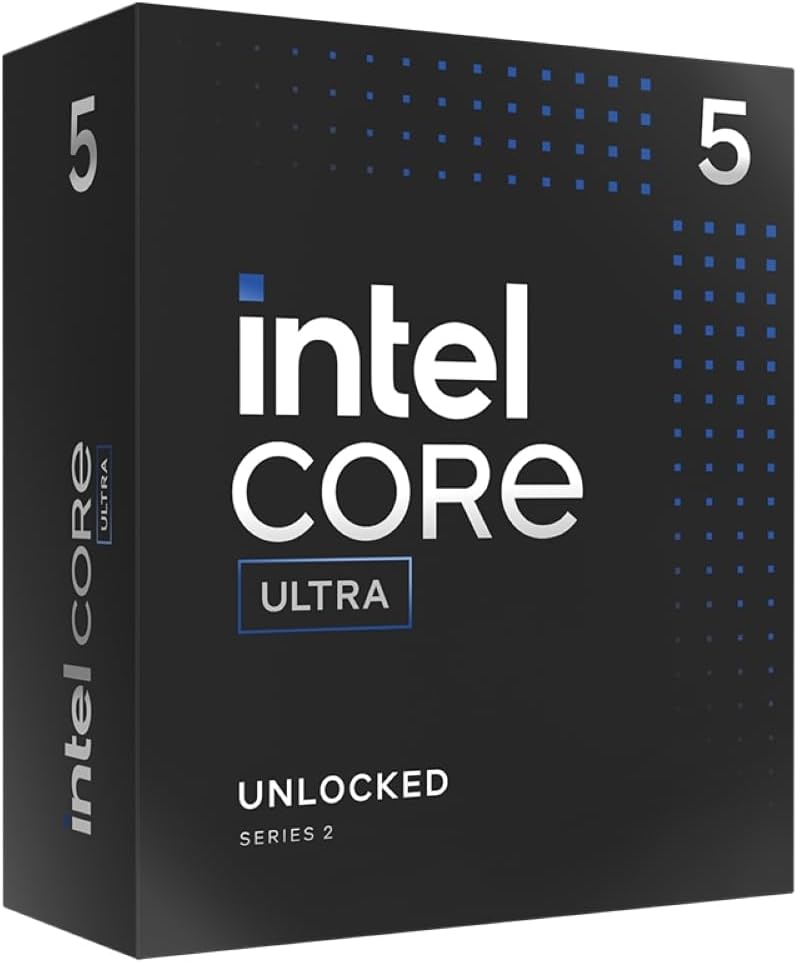
Worth calling out separately from the 250K Plus above, since it’s now frequently discounted as retailers clear stock in favor of the newer Plus lineup.
Key Specifications
- 14 cores (6 P-cores, 8 E-cores), 14 threads
- Up to 5.2 GHz boost clock
- 24MB cache
- LGA1851 socket
- DDR5-6400 supported
What We Like
When discounted, it can land at a noticeably lower price than the 250K Plus while still comfortably handling an RTX 5070 at 1440p, since that GPU tier rarely pushes a CPU to its limits anyway.
What We Don’t Like
It’s being phased out in favor of the 250K Plus, which offers more cores and cache for a similar or only slightly higher price — so check current pricing carefully before assuming this is the better deal.
Why We Chose It
For an RTX 5070 specifically, you don’t need 18 cores. This chip’s core count is already enough to avoid bottlenecking that GPU in the vast majority of titles.
Gaming Performance
Very capable at 1440p, which is the resolution most RTX 5070 owners are targeting. At 1080p with lighter, CPU-bound esports titles, it shows its age slightly compared to the Plus refresh chips.
Who Should Buy It
Anyone who finds it discounted below the 250K Plus and is building specifically around an RTX 5070.
Who Should Skip It
If pricing is close to the 250K Plus, just buy the newer chip — more cores and cache for similar money.
Best Intel CPU for Competitive Gaming: Intel Core i7-14700K
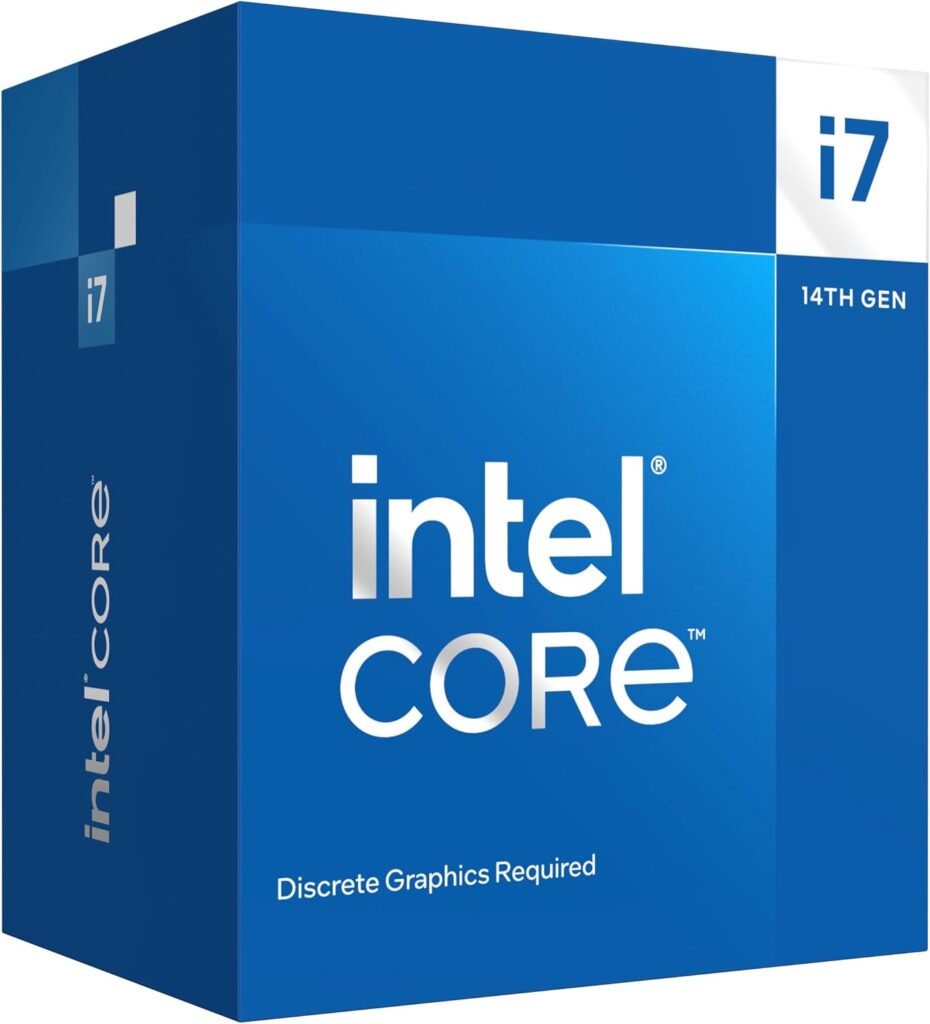
For esports titles where every frame matters, high clock speed on a mature platform is exactly what you want.
Key Specifications
- 20 cores (8 P-cores, 12 E-cores), 28 threads
- Up to 5.6 GHz boost clock
- 33MB cache
- LGA1700 socket, 125W base power
What We Like
The clock speed and cache size punch well above its price point for CPU-bound competitive titles like CS2, Valorant, and Overwatch 2, where frame rate consistency matters more than raw core count.
What We Don’t Like
It still runs hot under sustained load and benefits from a quality cooler. It’s also the same aging Raptor Lake architecture as the 14900K, so it doesn’t get the efficiency benefits of the newer Core Ultra chips.
Why We Chose It
For competitive, CPU-bound games specifically, this chip’s clock speed advantage matters more than the core count advantages other chips offer in productivity workloads.
Gaming Performance
Excellent in low-resolution, high-refresh-rate competitive gaming scenarios. Less of a standout in GPU-bound AAA titles at 4K, where it performs similarly to cheaper options.
Who Should Buy It
Competitive and esports-focused gamers who want maximum frame rates and already have or plan to buy an LGA1700 motherboard.
Who Should Skip It
If you mostly play GPU-bound AAA titles at 1440p or 4K, this chip’s advantages won’t show up on screen — save the money.
Best Intel CPU for Streaming and Gaming: Intel Core i9-14900K
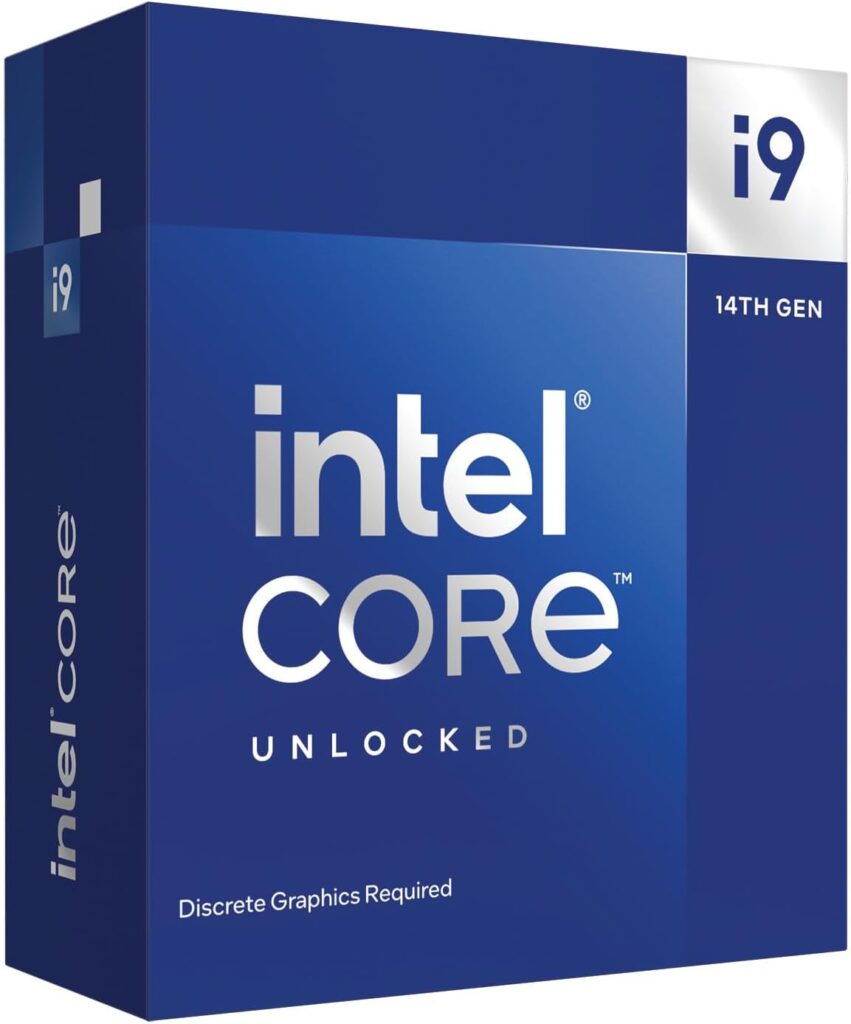
Yes, this is the same chip from our high-end pick — and that’s intentional, because streaming workloads and high-end gaming want the same thing: lots of threads and high clocks.
Key Specifications
- 24 cores (8 P-cores, 16 E-cores), 32 threads
- Up to 6.0 GHz boost clock
- 36MB cache
What We Like
Hyper-Threading gives you the extra thread headroom that encoding software (OBS, hardware or software x264 encoding) appreciates while gaming runs on the P-cores. It handles “game plus stream plus Discord plus browser” multitasking without breaking a sweat.
What We Don’t Like
Power and heat are the tradeoffs. Running a demanding game and a software encode simultaneously will push this chip hard, so cooling isn’t optional — it’s required.
Why We Chose It
Streamers need threads available for encoding without stealing performance from the game itself, and this chip has enough of both to avoid that compromise.
Gaming Performance
Strong even under streaming load, since the E-cores can absorb background encoding tasks while P-cores focus on the game.
Who Should Buy It
Streamers doing software or hybrid encoding who don’t want to invest in a separate capture card setup just yet.
Who Should Skip It
If you stream using NVENC hardware encoding on your GPU instead of CPU encoding, you don’t need this many threads — a cheaper chip will do the same job.
Best Budget Intel Gaming CPU: Intel Core i5-14400F
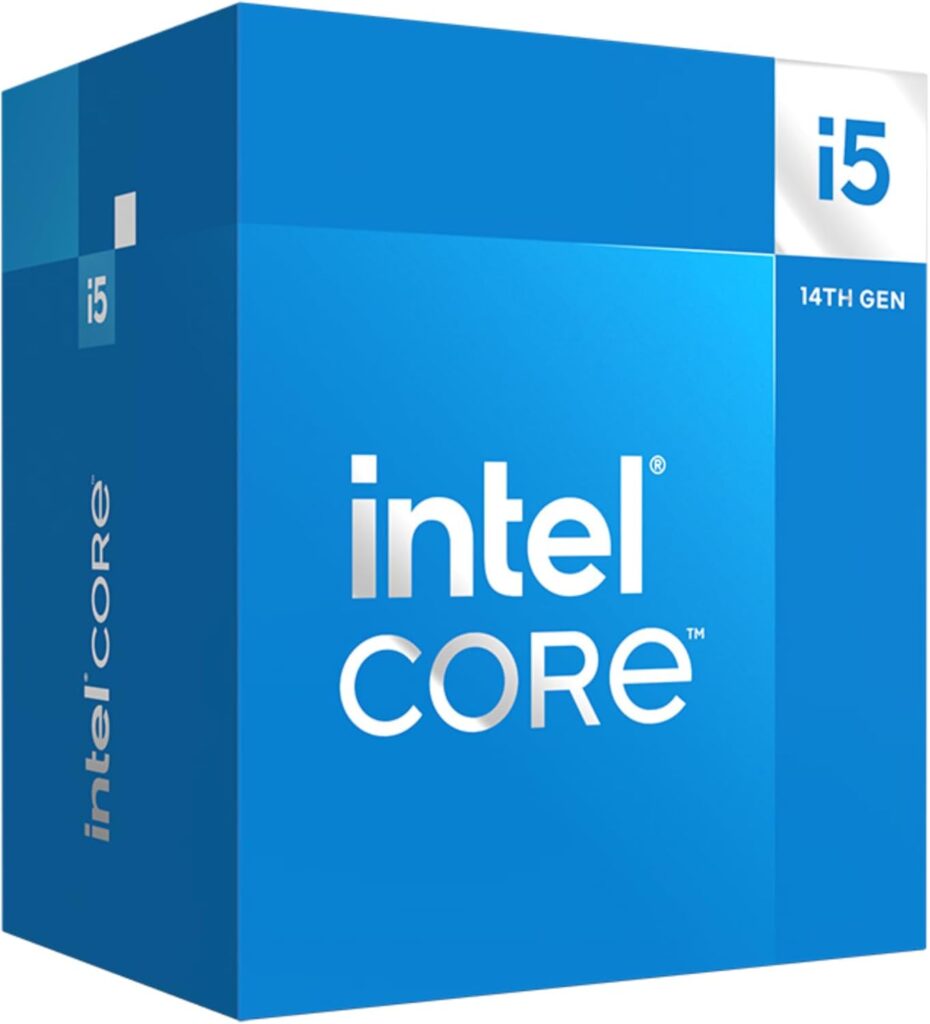
The smartest budget pick in Intel’s lineup if you already have a graphics card and just need a CPU that won’t hold it back.
Key Specifications
- 10 cores (6 P-cores, 4 E-cores), 16 threads
- Up to 4.7 GHz boost clock
- 20MB cache
- LGA1700 socket, no integrated graphics
What We Like
It’s one of the best price-to-performance chips Intel sells. Six performance cores plus Hyper-Threading is genuinely enough for the vast majority of current games, and LGA1700 boards for it are cheap and plentiful.
What We Don’t Like
No integrated graphics means you absolutely need a discrete GPU — this isn’t a chip you can use to troubleshoot a system before your graphics card arrives. It’s also not overclockable.
Why We Chose It
For gamers pairing with a mid-range GPU like an RTX 4060-tier or RTX 5060-tier card, this chip simply isn’t the bottleneck, and that’s exactly what you want from a budget CPU.
Gaming Performance
Solid at 1080p and 1440p with a matched GPU. It will start to limit frame rates if paired with a high-end card like an RTX 5080 or 5090, but that’s an unrealistic pairing for this price tier anyway.
Who Should Buy It
Budget builders pairing with a mid-range GPU who want to put more money into the graphics card than the processor.
Who Should Skip It
Anyone planning to pair it with a flagship GPU now or in the near future — you’ll bottleneck that card’s potential.
Best Entry-Level Intel Gaming CPU: Intel Core i3-14100F
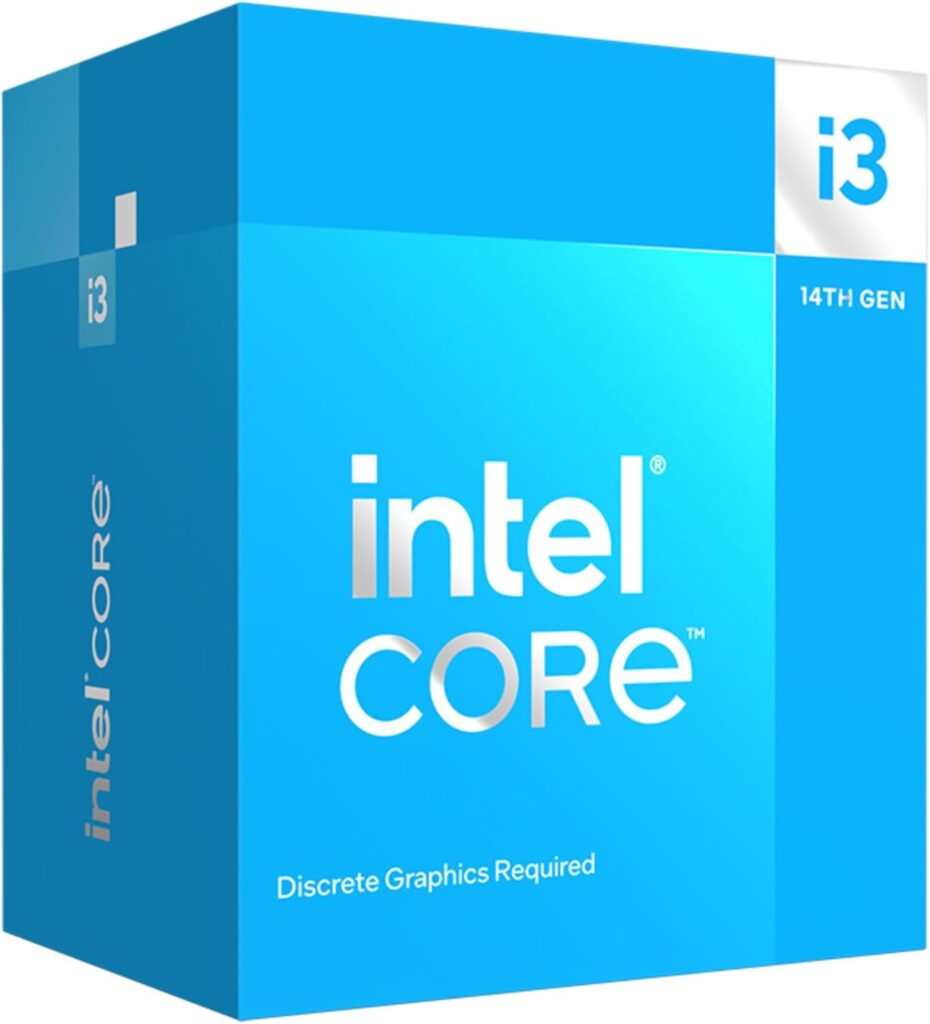
For first builds, secondary gaming PCs, or pure esports machines where the budget needs to go almost entirely toward the GPU and monitor.
Key Specifications
- 4 cores, 8 threads
- Up to 4.7 GHz boost clock
- 12MB cache
- LGA1700 socket, no integrated graphics
What We Like
It’s genuinely capable for lighter esports titles and older or less demanding games, and the platform cost (cheap LGA1700 boards plus DDR4 compatibility) keeps total build cost very low.
What We Don’t Like
Four cores is starting to show its limits in newer AAA titles, especially ones with heavier background processes, Discord overlays, and streaming software running simultaneously.
Why We Chose It
It’s the cheapest realistic entry point into modern PC gaming without resorting to a CPU that will bottleneck even budget GPUs.
Gaming Performance
Fine for esports titles and older or indie games at 1080p. Struggles to keep up in newer, more demanding AAA titles, particularly ones that lean on more than four threads.
Who Should Buy It
First-time builders on a tight budget, or anyone building a dedicated machine for lighter, CPU-undemanding titles.
Who Should Skip It
Anyone planning to play modern AAA titles or wanting headroom for the next few years — spend the extra money on the i5-14400F instead.
Best Intel CPU with Integrated Graphics: Intel Core Ultra 5 235
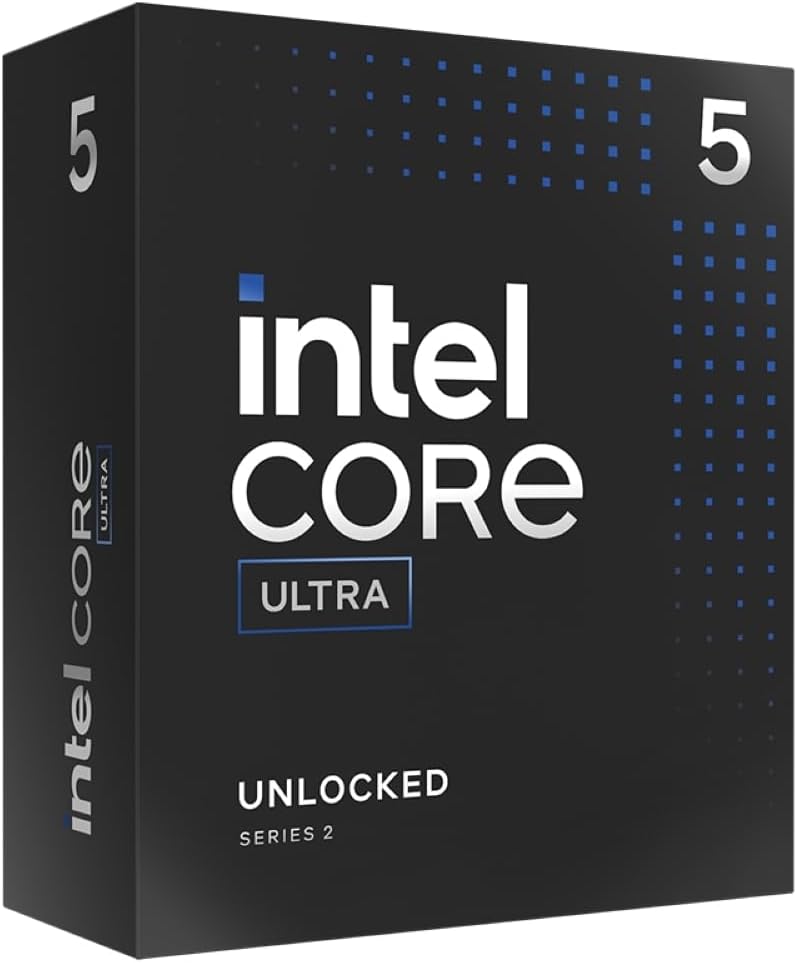
For builds where you need a display signal without a discrete GPU installed yet, or as a stopgap while you save for a graphics card.
Key Specifications
- 14 cores (6 P-cores, 8 E-cores), 14 threads
- Up to 5.0 GHz boost clock
- 24MB cache
- LGA1851 socket
- Intel Xe integrated graphics
What We Like
Intel Xe integrated graphics is noticeably more capable than older Intel UHD graphics, enough to handle light gaming or media tasks without a GPU installed. It also sits on the current LGA1851 platform.
What We Don’t Like
It’s not a gaming-first chip — you’re buying it for the integrated graphics flexibility, and you’ll want a real discrete GPU as soon as your budget allows for any serious gaming.
Why We Chose It
It’s the most sensible Intel option for anyone building now and buying a GPU later, since you’re not stuck on an outgoing platform once you do upgrade.
Gaming Performance
Acceptable for light or older games on integrated graphics alone. With a discrete GPU added, performance is comparable to other 14-core Core Ultra chips in its tier.
Who Should Buy It
Builders assembling a system before a GPU is purchased, or anyone who occasionally needs a backup display output without pulling their graphics card.
Who Should Skip It
If you already have a GPU ready to install on day one, the F-series or KF-series chips (without integrated graphics) are usually cheaper for the same core performance.
Best Value Last-Generation Intel CPU: Intel Core i5-13600K
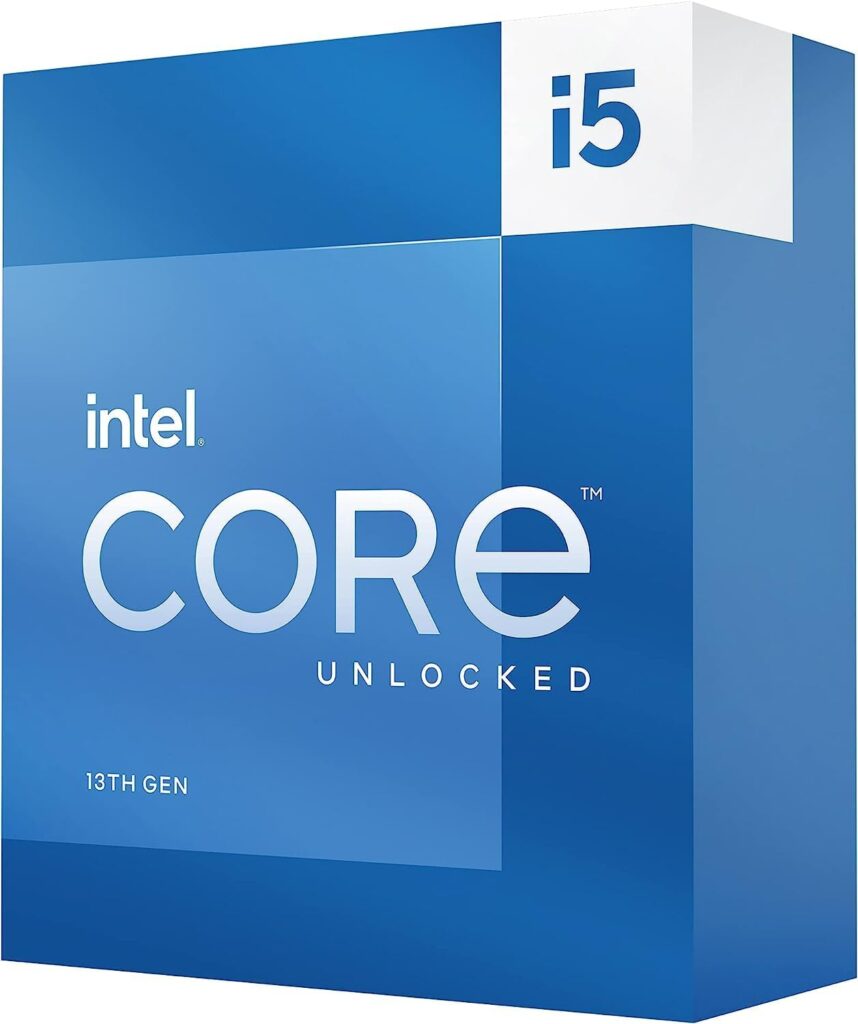
If you find this chip discounted, it remains one of the better value plays in Intel’s broader catalog.
Key Specifications
- 14 cores (6 P-cores, 8 E-cores), 20 threads
- Up to 5.1 GHz boost clock
- 24MB cache
- LGA1700 socket, DDR4 or DDR5 support
What We Like
It still trades blows with chips priced higher when discounted, and DDR4 compatibility means you can build around cheaper memory if you’re working with a tighter total budget.
What We Don’t Like
It’s a previous-generation chip on a platform that won’t see further upgrades, and it runs warmer than the newer Core Ultra alternatives at similar performance levels.
Why We Chose It
When retailers discount it meaningfully below MSRP, the price-to-performance argument is hard to beat, especially for gamers who don’t care about being on the newest platform.
Gaming Performance
Strong at 1080p and 1440p, comfortably handling mid-range and even some higher-end GPU pairings without becoming the bottleneck.
Who Should Buy It
Value-focused buyers who find it well discounted and don’t mind buying into a platform that’s effectively at end-of-life for future CPU upgrades.
Who Should Skip It
If it’s priced close to MSRP, the newer Core Ultra 5 250K Plus is usually the better buy for similar or less money.
What Most “Best Intel CPU for Gaming” Guides Get Wrong
A lot of buying guides lean on core counts and price tags without explaining what actually matters once you’re sitting in front of your monitor. A few things worth correcting:
More cores do not automatically mean more FPS. Most games are still primarily limited by single-thread and per-core performance, not raw core count. An 18-core chip with weaker per-core clocks can lose to a 10-core chip with better clocks in the same game.
Expensive CPUs often produce very small gaming gains. Jumping from a $300 chip to a $550 chip might net you a handful of frames per second at 1440p, while that same money would buy a meaningfully better GPU — which usually matters far more for visual quality and frame rate at that resolution.
GPU choice often matters more than CPU choice. At 1440p and 4K especially, your graphics card does the majority of the work. Pairing a flagship CPU with a mid-range GPU is a common and avoidable overspend.
Cooling costs change total build value. A flagship chip that needs a $100+ cooler to run properly isn’t actually cheaper than a mid-range chip that runs fine on a $40 cooler, once you account for the full system cost.
Motherboard costs impact real-world affordability. LGA1851 boards currently carry a price premium over the much more mature LGA1700 ecosystem. That premium needs to factor into your total budget, not just the CPU price tag.
Some gamers overspend on flagship CPUs they don’t need. If you’re gaming at 1080p or 1440p with a mid-range GPU, an i9 or Ultra 9-tier chip is frequently wasted money that would be better spent elsewhere in the build.
How Gamers Actually Choose an Intel CPU
Here’s how experienced builders actually walk through this decision, roughly in the order it usually comes up in conversation when someone’s planning a build.
Start with your GPU, not your CPU. The graphics card you own or plan to buy should drive the CPU decision, not the other way around. A mismatched pairing wastes money on either end.
Think in price-to-performance, not raw performance. FPS per dollar matters more than peak FPS for almost everyone outside of competitive esports at the highest level.
Know your resolution target. CPU bottlenecks shrink as resolution climbs. 1080p competitive gaming cares about CPU choice far more than 4K cinematic gaming does.
Factor in your upgrade plans. If you plan to upgrade your GPU in two years but keep the same CPU, buy a chip with enough headroom to not bottleneck that future card.
Account for cooling requirements honestly. If you’re not willing to buy a serious cooler, don’t buy a chip that needs one to perform at its rated specs.
Check power consumption against your PSU and case airflow. High-power chips need both adequate power delivery and case cooling to avoid thermal throttling.
Price the whole motherboard, not just the CPU. A cheap CPU on an expensive motherboard platform isn’t actually a cheap build.
Decide on DDR4 vs DDR5 early. This affects motherboard choice significantly and can swing your total platform cost by a meaningful amount.
Think about socket longevity if you plan to upgrade later. LGA1851 is Intel’s current platform going forward; LGA1700 is mature but at the end of its upgrade runway.
Be honest about productivity and streaming needs. If you do real work or stream on this machine, thread count and sustained multi-core performance matter more than they would for a pure gaming box.
Which Intel CPU Should You Buy for Your GPU?
Best Intel CPU for RTX 5060
The RTX 5060 is a mid-range card, and pairing it with anything beyond a mid-range CPU is usually unnecessary spending. The Core i5-14400F or Core Ultra 5 250K Plus both comfortably keep up with this GPU without introducing a bottleneck, leaving more of your budget for the graphics card itself or a better monitor.
Best Intel CPU for RTX 5070
This is where the Core Ultra 5 250K Plus shines. It has enough cores and clock speed to avoid bottlenecking an RTX 5070 at 1440p, which is the resolution most buyers pairing with this GPU are targeting. The Core Ultra 5 245K remains a solid alternative if discounted meaningfully below the 250K Plus.
Best Intel CPU for RTX 5080
Step up to the Core Ultra 7 270K Plus here. An RTX 5080 is capable enough that a weaker CPU can genuinely hold back its frame rate, particularly at 1440p and competitive 1080p settings. The extra cores and cache on the 270K Plus give this GPU the headroom it needs.
Best Intel CPU for RTX 5090
For a flagship GPU like the RTX 5090, pair it with either the Core i9-14900K or Core Ultra 7 270K Plus, and lean toward the i9 if you’re also streaming or running heavy background tasks. At this GPU tier, you genuinely want a CPU that won’t introduce any bottleneck, especially at 1080p and 1440p where this card has enormous headroom to spare.
How to Choose the Best Intel CPU for Gaming
Core Count
More cores help in multitasking and productivity, but gaming performance depends more on per-core speed and efficiency than raw count once you’re past 6-8 capable cores.
Clock Speed
Higher boost clocks generally translate directly into better frame rates in CPU-bound titles, which is why competitive gamers prioritize clock speed over core count.
Cache
Larger cache sizes reduce how often the CPU needs to fetch data from slower system memory, which can meaningfully smooth out frame times in certain games.
Power Consumption
Higher-power chips need beefier power supplies and better case airflow. Factor this into your total build cost, not just the sticker price of the CPU itself.
Cooling Requirements
Flagship chips like the i9-14900K need serious cooling to hit their rated boost clocks consistently. Budget for this; don’t treat it as optional.
Integrated Graphics
Useful for troubleshooting, secondary display output, or as a stopgap before buying a GPU. Not relevant if you already have a discrete graphics card ready to install.
DDR4 vs DDR5
DDR5 generally offers better performance and is required for the newer LGA1851 platform. DDR4 remains viable on LGA1700 and can lower total platform cost.
Motherboard Compatibility
Always confirm your chosen CPU’s socket matches your motherboard, and check whether a BIOS update is needed for compatibility, particularly on older boards.
LGA1700 vs LGA1851
LGA1700 is Intel’s mature, currently-being-phased-out platform with cheaper boards and a wide selection. LGA1851 is the current and future-focused platform, with newer features but a price premium on boards.
Overclocking
K-series and KF-series chips support overclocking; non-K chips don’t. Overclocking can extract extra performance but requires better cooling and a compatible motherboard chipset.
Future-Proofing
If you plan to upgrade your CPU again in a few years without replacing the motherboard, LGA1851 is currently the safer long-term bet given Intel’s platform roadmap.
Frequently Asked Questions
What is the best Intel CPU for gaming?
The Intel Core Ultra 7 270K Plus currently offers the best overall balance of gaming performance, price, and platform longevity, though the right choice for you depends on your GPU and budget.
Is Intel better than AMD for gaming?
Neither brand is universally “better.” AMD’s X3D chips generally lead in pure CPU-bound gaming benchmarks, while Intel often offers stronger productivity and multitasking performance and, in some tiers, more competitive pricing.
Is the Intel Core i9 worth it?
Only if you’re pairing it with a high-end GPU at competitive settings, or you also stream or do CPU-intensive work alongside gaming. For most gamers at 1440p or 4K, a mid-range chip delivers nearly identical gaming results for considerably less money.
Which Intel CPU works best with RTX 5070?
The Core Ultra 5 250K Plus is the best current match, offering enough performance to avoid bottlenecking this GPU at its typical 1440p target resolution.
Which Intel CPU works best with RTX 5080?
The Core Ultra 7 270K Plus is the better pairing, giving this more powerful GPU the CPU headroom it needs, particularly at 1440p and competitive 1080p settings.
Which Intel CPU works best with RTX 5090?
The Core i9-14900K or Core Ultra 7 270K Plus are both strong choices, with the i9 having an edge for streamers due to its higher thread count.
Do I need DDR5 for gaming?
Not strictly. DDR4 systems on LGA1700 remain capable for gaming, and the performance gap versus DDR5 is smaller in games than in many productivity workloads. DDR5 is required for LGA1851 builds, though.
What is the best budget Intel CPU?
The Core i5-14400F offers the best overall price-to-performance for budget builders who already have or are buying a mid-range GPU.
How many CPU cores do gamers need?
Most current games run well with 6-8 capable cores. Beyond that, additional cores mainly benefit streaming, content creation, and heavy background multitasking rather than gaming frame rates directly.
Should I buy Intel Core Ultra or Intel 14th Gen?
If you’re starting a new build with no existing motherboard, Core Ultra (LGA1851) is the better long-term platform choice. If you already own a compatible LGA1700 board, 14th-gen chips remain a strong, cost-effective option.
Conclusion: Which Intel CPU Should You Actually Buy?
Here’s the short version, broken down by what kind of build you’re putting together.
Best Overall: Core Ultra 7 270K Plus — the safest all-around pick for most new Intel gaming builds.
Best Value: Core Ultra 5 250K Plus — exceptional specs for the price, ideal for RTX 5070-class builds.
Best Budget: Core i5-14400F — the smartest place to spend the least money without bottlenecking a mid-range GPU.
Best Competitive Gaming CPU: Core i7-14700K — high clocks for CPU-bound esports titles on a mature platform.
Best Streaming CPU: Core i9-14900K — extra threads for encoding without sacrificing gaming performance.
Best High-End CPU: Core i9-14900K — maximum performance on Intel’s established LGA1700 platform.
Best Future-Proof Intel CPU: Core Ultra 7 270K Plus — current-generation socket with a clear upgrade runway ahead.
If you’re building fresh with no existing motherboard, start with the Core Ultra 7 270K Plus or Core Ultra 5 250K Plus depending on your GPU tier, and let your graphics card — not the CPU aisle — set your budget priorities. If you already own an LGA1700 board, the i5-14400F, i7-14700K, and i9-14900K still cover the budget-to-flagship range extremely well.
Related Articles
- Best AM4 CPU for Gaming (2026): 8 Tested Picks Ranked
- Best AMD CPU for Gaming (2026 Tested Picks)
- Best Processor for Gaming in 2026 : Our Personal Pick
- Best Gaming Keyboards Under $350 (2026 Tested Picks)
- Best Gaming Mice for Under $100 (2026 Tested & Compared)
- Best Gaming Monitors for Under $650 (2026 Tested & Compared)
- Best Monitor for Budget Gaming (2026 Tested & Compared)








