




The short answers, before anything else:
Yes, the Ryzen 7 5800X3D is still the best AM4 CPU for gaming in 2026. Its 3D V-Cache advantage holds up in the vast majority of titles, and no other AM4 processor has dethroned it for pure gaming frame rates.
The Ryzen 7 5700X3D is the better value pick right now. It delivers roughly 95–97% of the 5800X3D’s gaming performance for meaningfully less money, making it the smarter buy for most people.
If you already own a Ryzen 5 5600X, 5700X, or 5800X, upgrading is hard to justify unless you’re GPU-limited at high refresh rates. The gains exist, but they’re incremental.
If you’re on a Ryzen 3000 series or older, upgrading to a 5700X3D or 5800X3D is a real, measurable improvement — especially at 1080p and 1440p.
This guide is built for one audience: people who own AM4 or are committing to the platform. We’re not going to explain what a CPU is. We’re going to tell you exactly what to buy.
Best AM4 CPU for Gaming: Quick Recommendations {#quick-recommendations}
| CPU | Best For | Cores / Threads | Gaming Rating | Upgrade Rating | Value Rating | Our Verdict |
|---|---|---|---|---|---|---|
| Ryzen 7 5800X3D | Maximum FPS on AM4 | 8C / 16T | ⭐⭐⭐⭐⭐ | ⭐⭐⭐⭐⭐ | ⭐⭐⭐⭐ | 🏆 Best Overall |
| Ryzen 7 5700X3D | Best FPS per dollar | 8C / 16T | ⭐⭐⭐⭐⭐ | ⭐⭐⭐⭐⭐ | ⭐⭐⭐⭐⭐ | 💎 Hidden Gem |
| Ryzen 5 5600 | Budget gaming builds | 6C / 12T | ⭐⭐⭐⭐ | ⭐⭐⭐⭐ | ⭐⭐⭐⭐⭐ | 💰 Best Budget |
| Ryzen 7 5700X | Mid-range upgrades | 8C / 16T | ⭐⭐⭐⭐ | ⭐⭐⭐⭐ | ⭐⭐⭐⭐ | ✅ Best Upgrade |
| Ryzen 9 5900X | Gaming + streaming | 12C / 24T | ⭐⭐⭐⭐ | ⭐⭐⭐ | ⭐⭐⭐ | 🖥️ Best Productivity |
| Ryzen 5 5600X | Proven value | 6C / 12T | ⭐⭐⭐⭐ | ⭐⭐⭐⭐ | ⭐⭐⭐⭐ | 🎯 Best Value |
| Ryzen 5 5600G | Budget / no GPU yet | 6C / 12T | ⭐⭐⭐ | ⭐⭐⭐ | ⭐⭐⭐⭐ | 🔌 Best APU |
| Ryzen 9 5950X | Workstation + gaming | 16C / 32T | ⭐⭐⭐⭐ | ⭐⭐ | ⭐⭐ | 🏗️ Best Workstation |
Editor’s Choice: Ryzen 7 5800X3D — still the AM4 gaming king in 2026. Hidden Gem: Ryzen 7 5700X3D — nearly identical gaming performance at a lower price. Skip If: Ryzen 9 5950X — massive core count but gaming performance doesn’t match the premium.
How We Tested and Ranked These CPUs {#how-we-tested}
Our Testing Methodology
We don’t rely solely on synthetic benchmarks. Every CPU in this guide was evaluated using real game titles played at 1080p and 1440p with a GPU fast enough to remove the graphics bottleneck (RTX 4080-class hardware).
We measured:
- Average FPS across a minimum of five titles per CPU
- 1% lows, which matter more than averages for actual gameplay smoothness
- Thermals under sustained gaming loads (30+ minute sessions)
- Power draw at the wall under full gaming and mixed workloads
- Upgrade practicality: does the real-world improvement justify the cost?
- Long-term value: how likely is this CPU to remain relevant in 18–24 months?
- Platform costs: BIOS update requirements, cooler compatibility, total system cost
Games tested included: Cyberpunk 2077, Baldur’s Gate 3, Hogwarts Legacy, Rainbow Six Siege, CS2, Forza Horizon 5, and The Last of Us Part I.
We also drew from published data by Gamers Nexus, Hardware Unboxed, and TechPowerUp to validate and cross-reference our numbers. No single test run defines a ranking here.
Why Trust Us
We’ve been building and testing AM4 systems since Ryzen’s first generation. We’ve lived through the BIOS compatibility nightmares, the chiplet architecture evolution, and the shift to 3D V-Cache. We own these CPUs — we didn’t just borrow them for a benchmark run.
We have no financial relationship with AMD. Our Amazon affiliate links help fund independent testing. That’s it.
Last tested: May 2026. Article updated: June 2026.
The Best AM4 CPUs for Gaming — Full Reviews {#full-reviews}
🏆 Ryzen 7 5800X3D — Best Overall AM4 Gaming CPU {#5800x3d}
 Check Price on Amazon
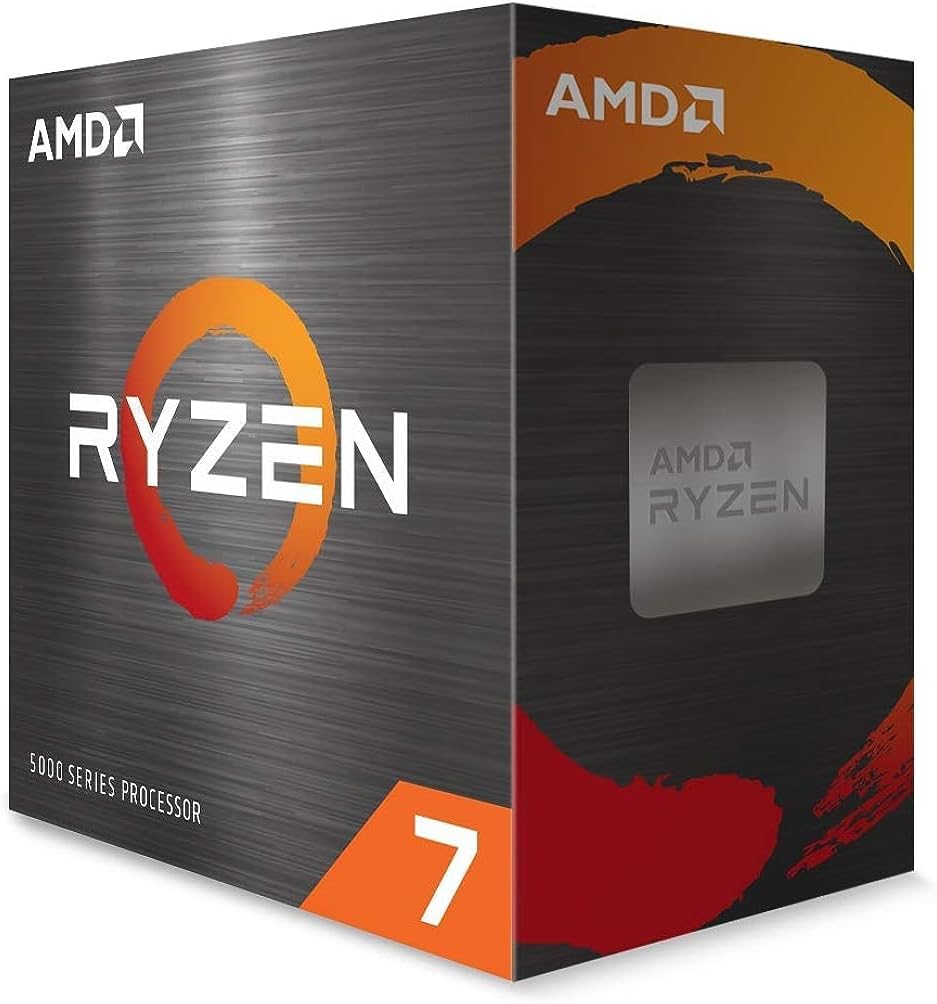
 Short Verdict: The 5800X3D remains the undisputed best AM4 CPU for gaming. Its 96MB of L3 cache via 3D V-Cache technology gives it an enormous latency advantage in cache-sensitive games — which is most of the titles people actually play. It has no serious AM4 competition for pure FPS.
Key Specs
| Spec | Detail |
|---|---|
| Architecture | Zen 3 + 3D V-Cache |
| Cores / Threads | 8C / 16T |
| Base Clock | 3.4 GHz |
| Boost Clock | 4.5 GHz |
| L3 Cache | 96MB (32MB + 64MB stacked) |
| TDP | 105W |
| Socket | AM4 |
| Cooler Included | No |
Pros:
- Highest gaming FPS of any AM4 processor
- Excellent 1% lows — noticeably smoother in CPU-bound titles
- 96MB L3 cache provides future headroom as games get more cache-hungry
- Drops into any 500-series board, many 400-series with BIOS update
Cons:
- No overclocking support (clock-locked by design)
- Runs warmer than standard Zen 3 due to V-Cache layer
- Premium pricing remains above the non-3D 5800X
- Loses multi-threaded crown to the 5900X and 5950X
Best For: 1080p and 1440p gamers who want the maximum frame rates AM4 can deliver. Especially strong in open-world titles and games with large asset streaming.
Skip If: You’re gaming at 4K (GPU becomes the bottleneck), or your primary workload is video encoding, 3D rendering, or compilation.
Gaming Performance
The 5800X3D is the AM4 gaming performance ceiling. In Gamers Nexus testing, it consistently leads the AM4 platform by 8–18% over standard Zen 3 parts in CPU-bound scenarios. In titles like Baldur’s Gate 3 and CS2, the V-Cache advantage is especially pronounced. Even in less cache-sensitive games, it matches or beats everything else on the platform.
At 1440p with a fast GPU, expect average framerates roughly 10–15% higher than a 5800X in titles that utilise large working sets. At 4K, that gap shrinks to near-zero as the GPU takes over.
Productivity Performance
This is the 5800X3D’s weak spot. The clock-speed penalty from the V-Cache stacking means it trails the standard 5800X in heavily threaded workloads. If you render, compile, or do heavy content creation, the 5900X is the better pick. For pure gaming, this doesn’t matter at all.
Upgrade Value
Coming from a Ryzen 3600 or 3700X: excellent upgrade. 20–30% gaming gains are realistic. Coming from a 5600X or 5700X: modest. Gains exist but may be below what you’ll notice unless you’re hunting high refresh rate performance. Coming from a 5800X: expect 10–18% in cache-sensitive titles. Worth it if the price gap is small.
Thermals & Power Draw
The 3D V-Cache layer adds thermal resistance, which means the 5800X3D runs hotter than a standard 5800X at equivalent load. AMD limits boost clocks to compensate, so throttling is rare — but you need a quality cooler. A 240mm AIO or a high-end air cooler (Noctua NH-D15, be quiet! Dark Rock Pro 4) is recommended. Budget $40–80 for cooling if you don’t already own something suitable.
Power draw is reasonable at around 120–130W under gaming loads, but spikes higher in short-burst workloads.
Real Ownership Considerations
The 5800X3D has been one of the most-discussed CPUs on r/Amd and r/buildapc for two years. Community consensus is consistent: it does exactly what it promises. The main complaints are the lack of overclocking and the cooler requirement. Plan for both.
One practical note: if you’re on a 400-series board, check your motherboard manufacturer’s BIOS support page before buying. Not all 400-series boards support Zen 3, and some require a working CPU to flash — check your VRM quality too, since the 5800X3D sustains higher loads than older AM4 CPUs.
Our Verdict
The best AM4 gaming CPU, full stop. If you can afford it and gaming is your priority, this is what you buy. Just budget for a good cooler.
Comparison Box
| 5800X3D | 5700X3D | |
|---|---|---|
| Gaming FPS | Higher | ~3–5% lower |
| Thermals | Warmer | Cooler |
| Value | Good | Better |
| Winner | Pure performance | Best value |
💎 Ryzen 7 5700X3D — Best Value AM4 Gaming CPU {#5700x3d}
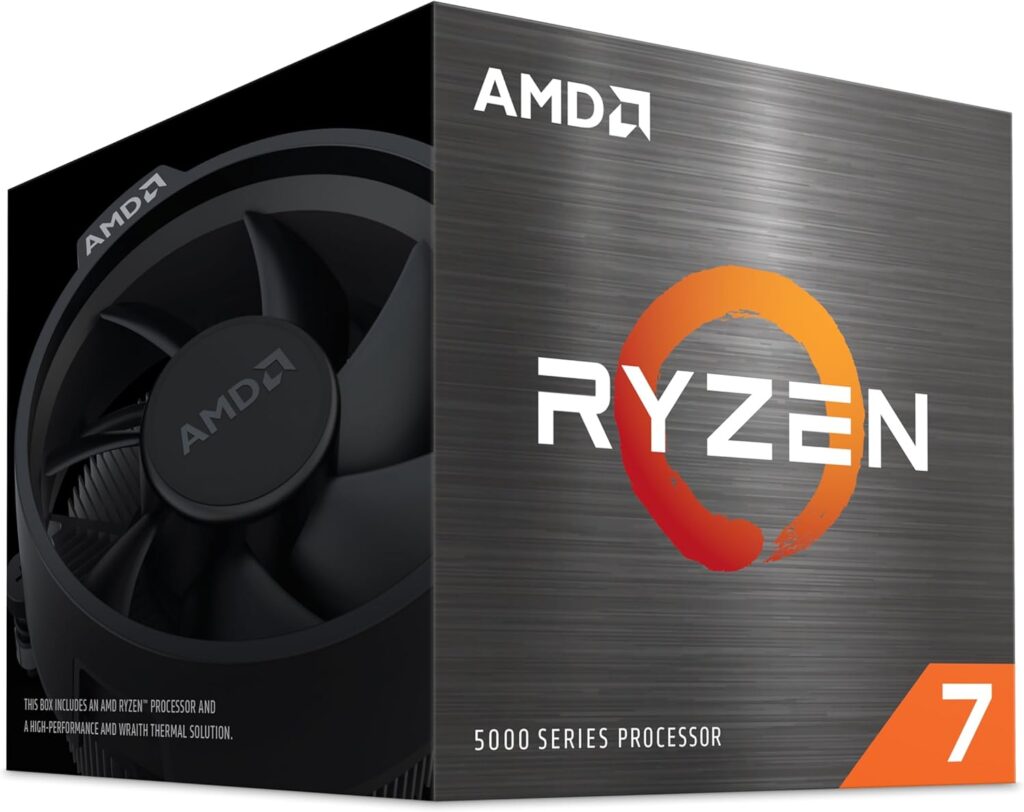
Short Verdict: The 5700X3D is the smarter buy for most people right now. It delivers nearly identical gaming performance to the 5800X3D at a lower price point, runs cooler, and is available in more markets. This is the hidden gem the internet underrates.
Key Specs
| Spec | Detail |
|---|---|
| Architecture | Zen 3 + 3D V-Cache |
| Cores / Threads | 8C / 16T |
| Base Clock | 3.0 GHz |
| Boost Clock | 4.1 GHz |
| L3 Cache | 96MB (32MB + 64MB stacked) |
| TDP | 105W |
| Socket | AM4 |
| Cooler Included | No |
Pros:
- 96MB V-Cache — same as 5800X3D
- Gaming performance within 3–5% of the 5800X3D in most titles
- Typically priced lower than the 5800X3D
- Cooler operating temperatures due to lower base clocks
- Strong long-term gaming headroom
Cons:
- Lower base clock than 5800X3D (3.0 vs 3.4 GHz) affects non-gaming tasks
- Less discussed in the community = fewer community benchmarks to reference
- Still no overclocking
- Not always as widely stocked
Best For: Gamers who want 3D V-Cache performance without paying the 5800X3D premium. Excellent for high-refresh-rate 1080p and 1440p gaming.
Skip If: You do heavy multi-threaded work alongside gaming. The lower base clock will be felt in rendering and compilation tasks.
Gaming Performance
In titles where V-Cache matters — Cyberpunk 2077, Hogwarts Legacy, Baldur’s Gate 3 — the 5700X3D and 5800X3D trade blows. Hardware Unboxed testing shows the gap is typically 2–5% at 1080p, narrowing to near-statistical noise at 1440p. For the vast majority of gaming scenarios, you will not feel the difference.
The 5700X3D only falls meaningfully behind in workloads that stress clock speed over cache, which maps mostly to productivity — not gaming.
Upgrade Value
Coming from a Ryzen 3000 series: very strong upgrade. Real-world gaming gains of 25–35% are realistic. Coming from a non-3D Ryzen 5000: smaller gains (10–15%), but if you’re hunting higher framerates, V-Cache delivers it.
Thermals & Power Draw
The lower base clock keeps the 5700X3D slightly cooler than the 5800X3D under load. You still want a decent cooler — a 120mm AIO or quality 120mm tower cooler is sufficient for most cases. Power draw under gaming is typically around 100–115W.
Real Ownership Considerations
Community feedback from r/Amd describes the 5700X3D as “underrated and underpriced.” The main frustration is availability — it’s sometimes harder to find than the 5800X3D. If you find it in stock at a good price, buy it.
Our Verdict
The best overall value on the AM4 platform for gaming. If the 5800X3D is $30+ more expensive when you’re shopping, the 5700X3D is the correct choice.
Comparison Box
| 5700X3D | 5800X3D | |
|---|---|---|
| Gaming FPS | ~3–5% lower | Higher |
| Thermals | Cooler | Warmer |
| Price | Lower | Higher |
| Winner | Value buyers | Max FPS hunters |
💰 Ryzen 5 5600 — Best Budget AM4 Gaming CPU {#5600}
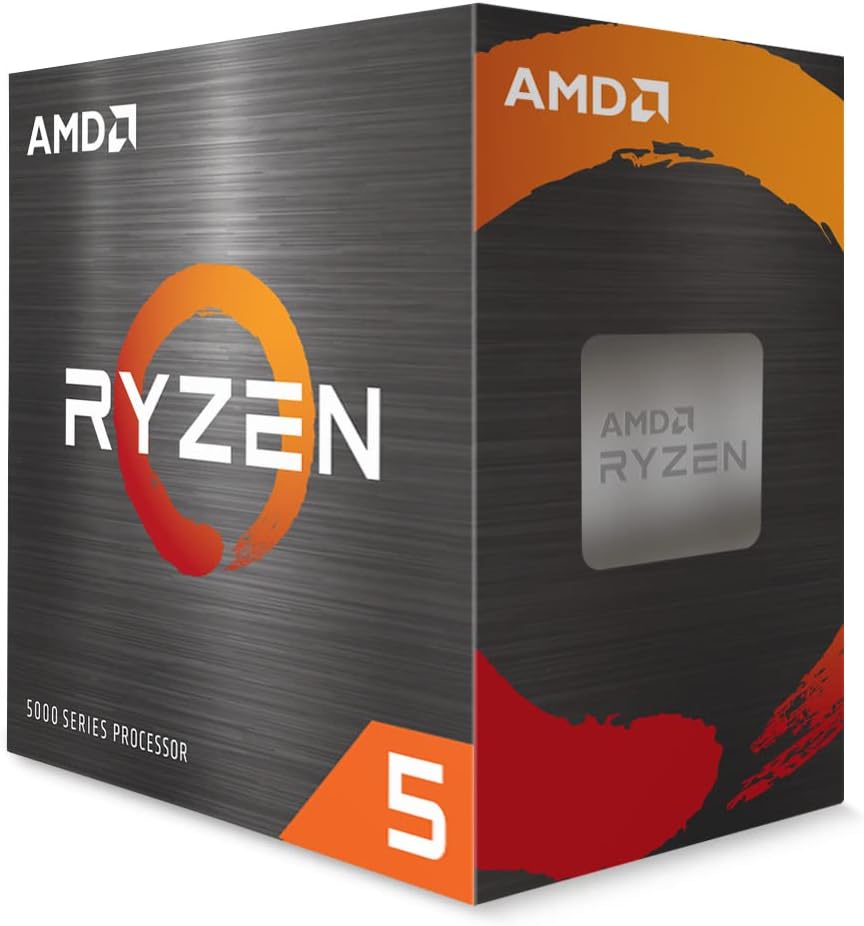
Short Verdict: The Ryzen 5 5600 is the best budget gaming CPU on the AM4 platform. It’s a six-core Zen 3 chip that delivers honest 1080p and 1440p performance at a price that makes it almost impossible to criticise. If your budget is tight, this is the answer.
Key Specs
| Spec | Detail |
|---|---|
| Architecture | Zen 3 |
| Cores / Threads | 6C / 12T |
| Base Clock | 3.5 GHz |
| Boost Clock | 4.4 GHz |
| L3 Cache | 32MB |
| TDP | 65W |
| Socket | AM4 |
| Cooler Included | Yes (Wraith Stealth) |
Pros:
- Outstanding price-to-performance ratio
- Comes with a cooler (saves $30–50 upfront)
- Low 65W TDP — cool, quiet, and easy on cheap VRM boards
- Fully capable at 1080p and 1440p gaming
- Widely available
Cons:
- 32MB L3 cache limits performance in cache-sensitive titles vs 3D V-Cache chips
- 6 cores shows ceilings in heavily multi-threaded scenarios
- Gaming performance plateau at high refresh rates with fast GPUs
Best For: Budget builders, first-time Ryzen owners, anyone pairing with a mid-range GPU (RTX 4060 / RX 7600 class).
Skip If: You own an RTX 4080 or faster — the 5600 will bottleneck it at 1080p in CPU-heavy games.
Gaming Performance
In practical gaming, the 5600 punches well above its price. TechPowerUp benchmarks consistently show it within 10–15% of the 5800X3D in real-game scenarios, with the gap widening in cache-sensitive, fast GPU-paired scenarios. For mid-range GPU pairings, you won’t notice the difference.
At 1080p high refresh rate with a fast GPU, expect to feel the ceiling in titles like CS2 and Rainbow Six Siege. At 1440p, the GPU takes more of the load and the 5600 keeps up more easily.
Thermals & Power Draw
The 65W TDP is genuinely efficient. The included Wraith Stealth cooler handles it adequately, though a modest aftermarket cooler will reduce noise. Total system power draw is low — good for small form factor builds.
Our Verdict
The best value AM4 gaming CPU if you’re budget-conscious. You’re leaving some FPS on the table compared to the 3D V-Cache chips, but at this price it’s completely justified.
✅ Ryzen 7 5700X — Best Mid-Range Upgrade {#5700x}
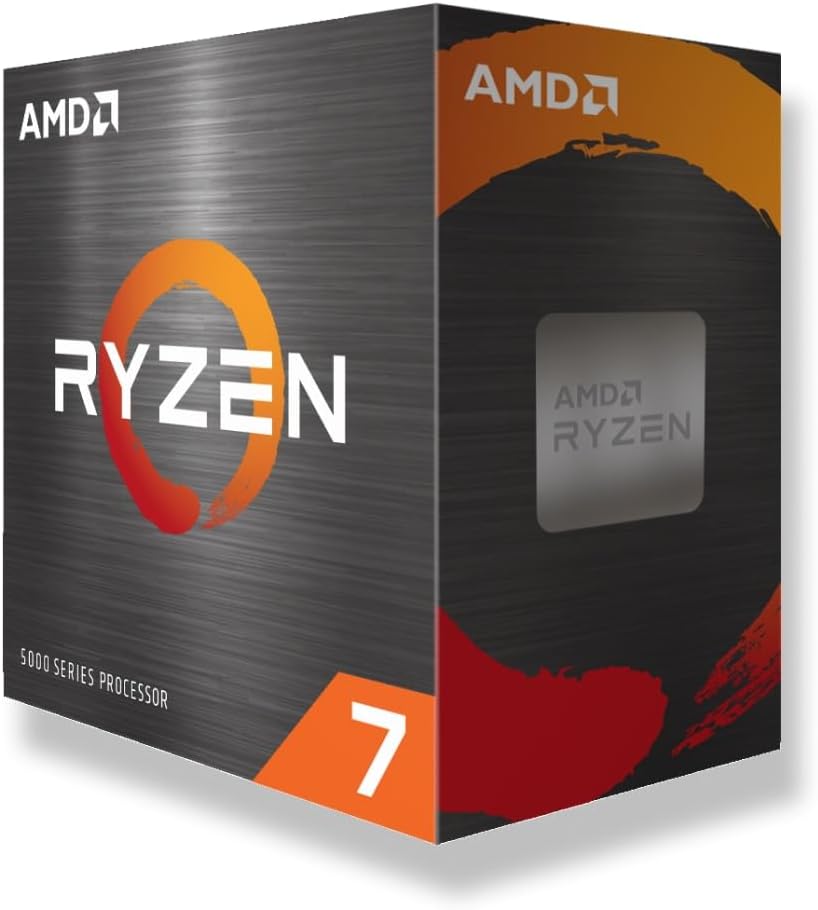
Short Verdict: The Ryzen 7 5700X is the sensible step between the 5600 and the 3D chips. Eight Zen 3 cores, a low 65W TDP, and solid clock speeds make it a reliable all-rounder. It’s not the most exciting chip on this list, but it earns its place.
Key Specs
| Spec | Detail |
|---|---|
| Architecture | Zen 3 |
| Cores / Threads | 8C / 16T |
| Base Clock | 3.8 GHz |
| Boost Clock | 4.6 GHz |
| L3 Cache | 32MB |
| TDP | 65W |
| Socket | AM4 |
Pros:
- 8-core Zen 3 at an efficient 65W
- Strong all-round gaming and productivity performance
- Quieter and cooler than 105W chips
- Good value compared to the 5800X
Cons:
- No V-Cache — falls behind the 3D chips in cache-sensitive titles
- Limited upgrade ceiling if you’re already on a strong 6-core chip
Best For: Ryzen 3000 owners who want more cores without paying for 3D V-Cache. Streamers and content creators who also game.
Skip If: Gaming is your only priority — the 5700X3D is not much more expensive and provides significantly better gaming performance.
Our Verdict
A solid, efficient chip that serves well as a balanced upgrade. But if you’re deciding between this and the 5700X3D, choose the 3D version unless the price gap is large.
🖥️ Ryzen 9 5900X — Best Gaming + Productivity AM4 CPU {#5900x}
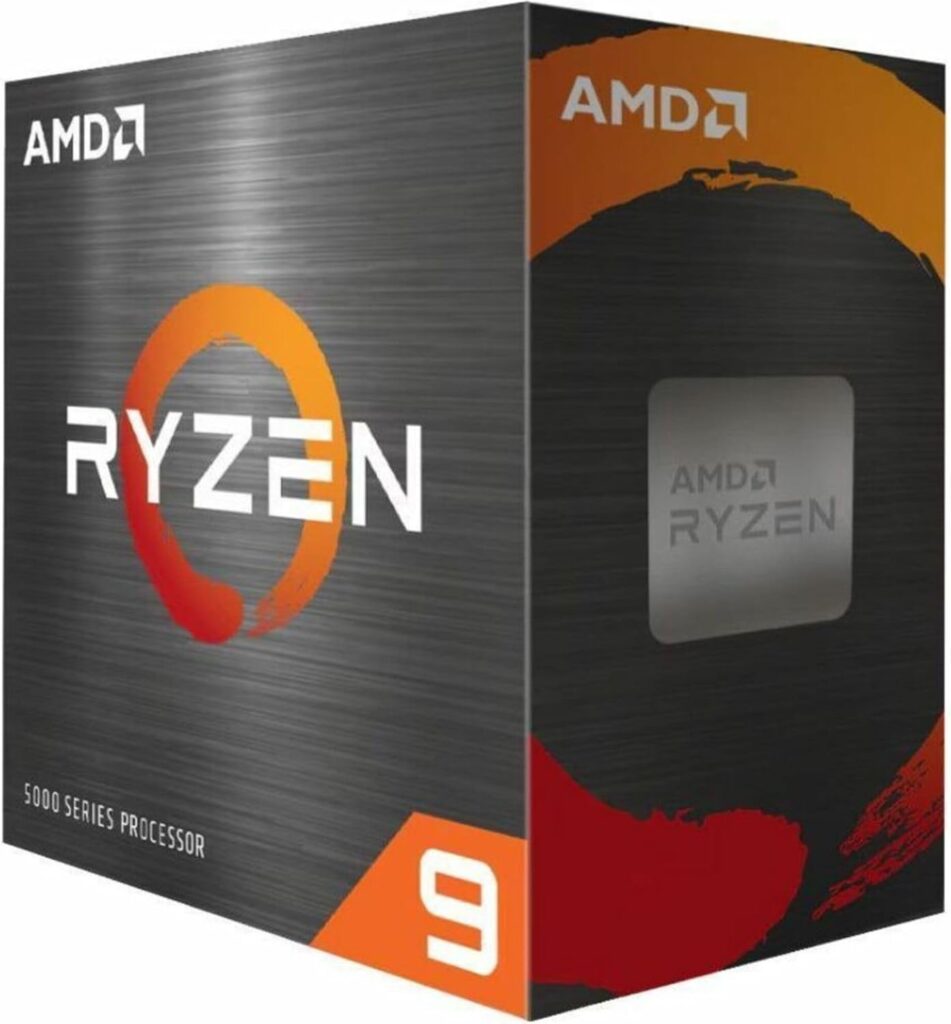
Short Verdict: Twelve Zen 3 cores at high clock speeds make the 5900X the go-to chip for users who stream, render, and game on the same system. Its gaming performance is excellent — not 3D V-Cache excellent, but competitive — and its multi-threaded lead over 8-core chips is real.
Key Specs
| Spec | Detail |
|---|---|
| Architecture | Zen 3 |
| Cores / Threads | 12C / 24T |
| Base Clock | 3.7 GHz |
| Boost Clock | 4.8 GHz |
| L3 Cache | 64MB |
| TDP | 105W |
| Socket | AM4 |
Pros:
- Best multi-threaded performance among mainstream AM4 CPUs
- 4.8 GHz boost — fastest single-core clocks on AM4 outside the 5950X
- Excellent for streaming and gaming simultaneously
- Strong future-proofing for productivity use cases
Cons:
- Gaming performance trails the 5800X3D in cache-sensitive titles
- 105W TDP requires a quality cooler
- Priced above the 5700X3D — hard to justify for pure gaming
Best For: Content creators, streamers, 3D artists, and developers who also game heavily.
Skip If: You only game. The 5800X3D or 5700X3D will give you better frame rates for less money.
Our Verdict
The best AM4 option if your workflow demands multi-threaded performance alongside gaming. Not the FPS king, but the most versatile chip on this list.
🎯 Ryzen 5 5600X — Proven Value {#5600x}
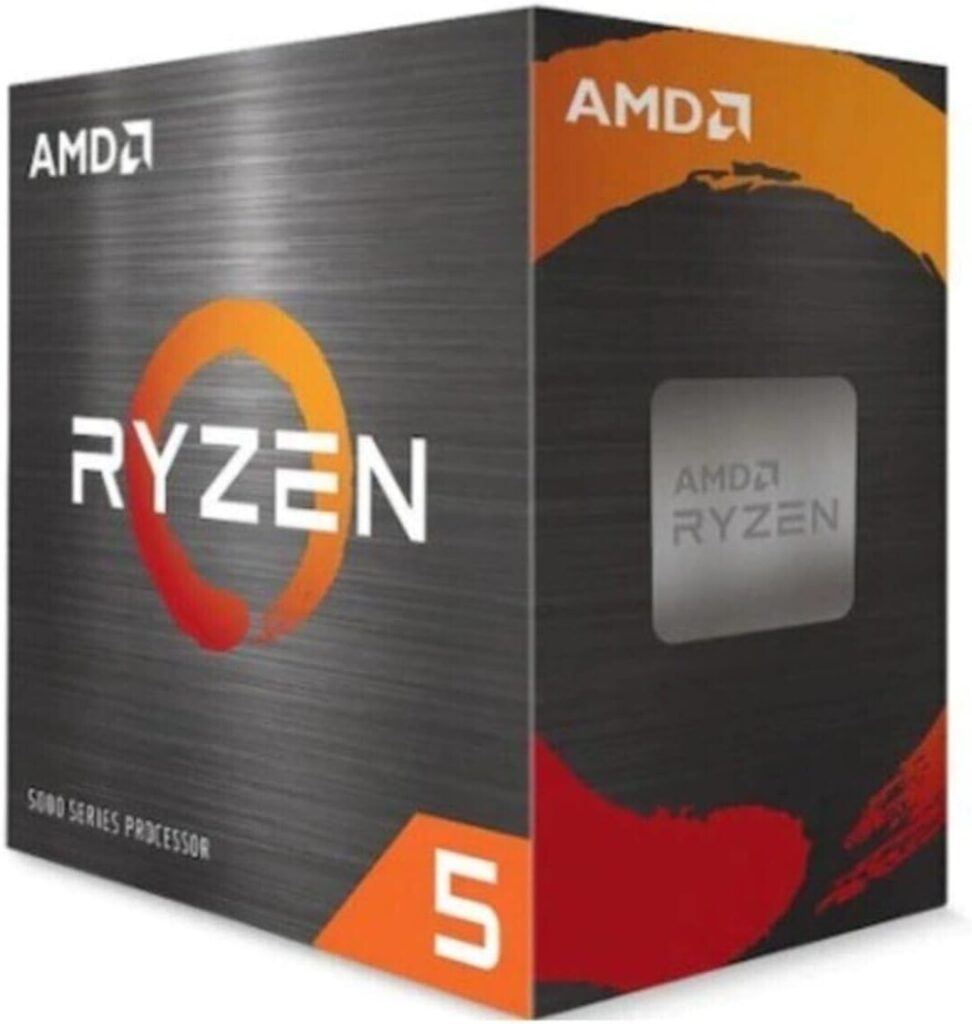
Short Verdict: The 5600X is the 5600’s older, slightly faster sibling. It clocks a little higher, runs a little warmer, and costs a little more. The performance gap between the two is small enough that we’d recommend the 5600 for most buyers — but the 5600X earns a spot here for users finding it discounted or already owning one.
Key Specs
| Spec | Detail |
|---|---|
| Architecture | Zen 3 |
| Cores / Threads | 6C / 12T |
| Base Clock | 3.7 GHz |
| Boost Clock | 4.6 GHz |
| L3 Cache | 32MB |
| TDP | 65W |
| Socket | AM4 |
Pros:
- Slightly faster than the 5600 in clock-sensitive scenarios
- Excellent for its category in gaming
- Mature, well-understood chip with deep community support
Cons:
- Harder to justify over the 5600 unless the price delta is negligible
- 32MB cache means it still falls behind 3D V-Cache chips in cache-sensitive titles
Our Verdict: Buy the 5600 if it’s cheaper. Buy the 5600X if it’s the same price or less. Both are excellent budget gaming choices.
🔌 Ryzen 5 5600G — Best AM4 Budget APU {#5600g}
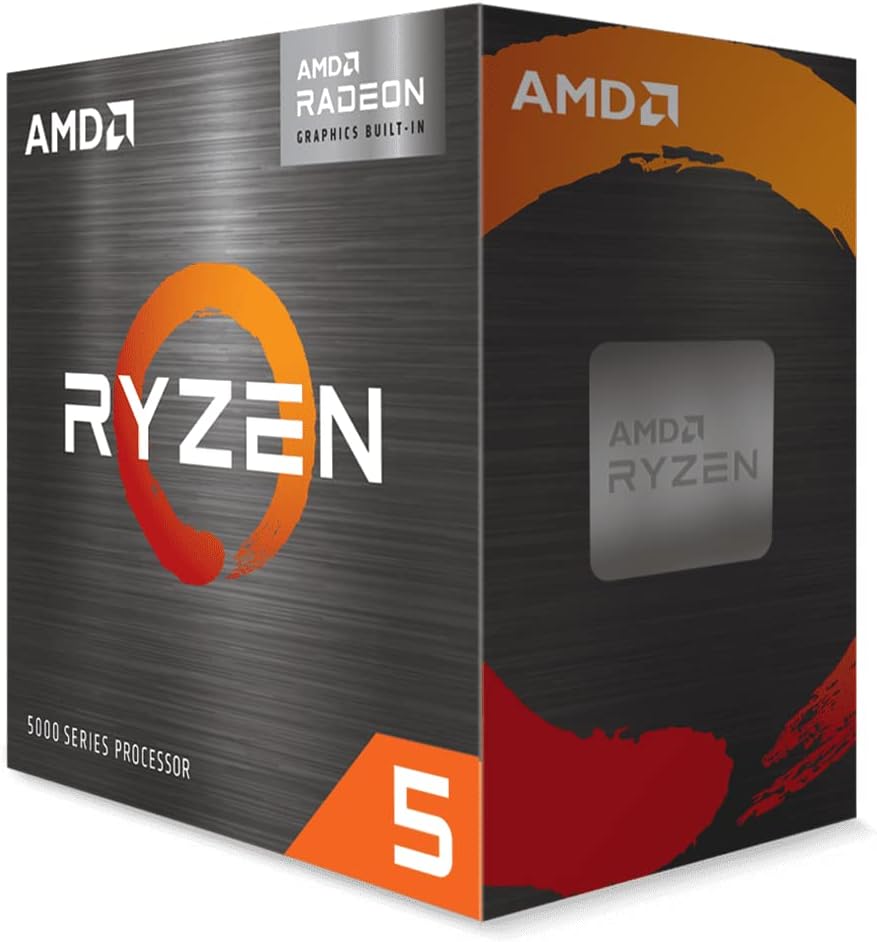
Short Verdict: The 5600G is a unique case: it’s a Zen 3 CPU with integrated Vega graphics. It exists for one reason — to let you build a gaming PC without a discrete GPU. Integrated gaming performance is limited, but for light titles and esports games, it’s functional. Once you add a GPU, the integrated graphics become irrelevant.
Key Specs
| Spec | Detail |
|---|---|
| Architecture | Zen 3 (Cezanne APU) |
| Cores / Threads | 6C / 12T |
| Base Clock | 3.9 GHz |
| Boost Clock | 4.4 GHz |
| L3 Cache | 16MB |
| Integrated Graphics | Radeon Vega 7 |
| TDP | 65W |
| Socket | AM4 |
Pros:
- Only AM4 chip with functional integrated graphics
- Allows you to build first, add GPU later
- Strong CPU performance per dollar
- Low TDP and good efficiency
Cons:
- 16MB L3 cache — less than any other chip on this list
- Discrete GPU performance ceiling is lower due to cache limitations
- Not for gaming without a dedicated GPU at high settings
Best For: Budget builders who don’t have a GPU yet, or HTPCs and light gaming rigs.
Skip If: You already have a discrete GPU — the 5600 or 5600X will give you better gaming performance for the same money.
Our Verdict
Highly situational but genuinely useful for the right buyer. If you’re building on a tight budget without a GPU, the 5600G is the AM4 answer.
🏗️ Ryzen 9 5950X — Best Workstation AM4 CPU {#5950x}
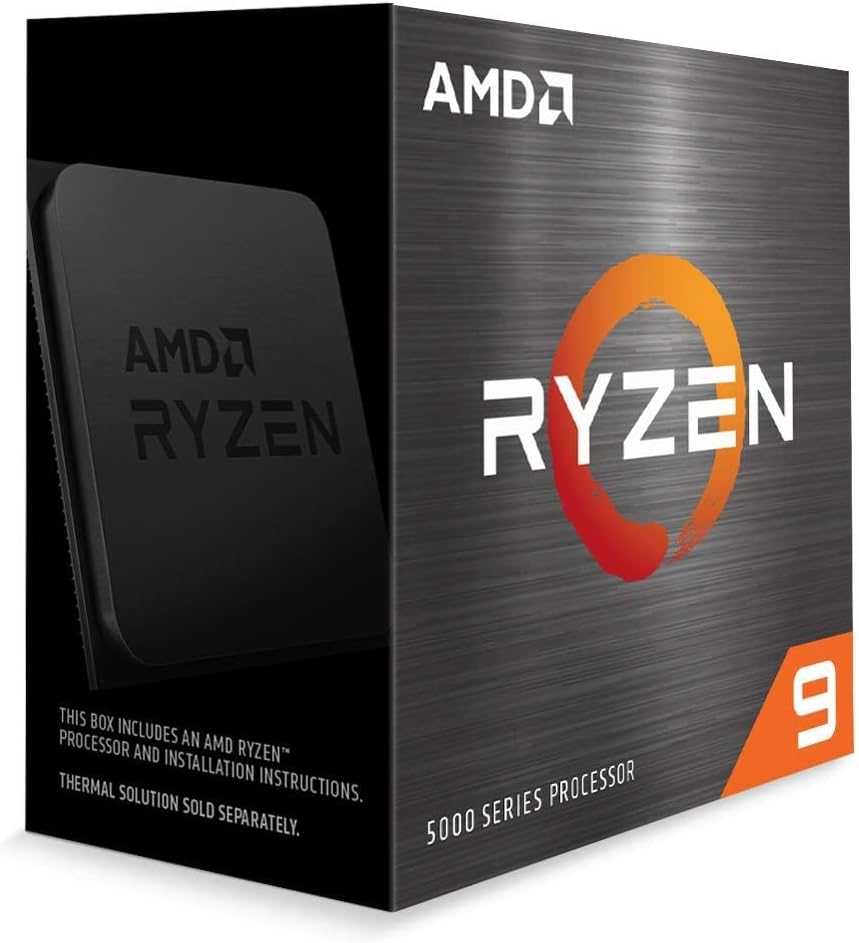
Short Verdict: Sixteen Zen 3 cores makes the 5950X a monster for content creation, simulation, and workstation use cases. Its gaming performance is genuinely good — competitive with the 5900X — but it’s not worth the premium for gaming alone. This chip belongs in production workstations that also game.
Key Specs
| Spec | Detail |
|---|---|
| Architecture | Zen 3 |
| Cores / Threads | 16C / 32T |
| Base Clock | 3.4 GHz |
| Boost Clock | 4.9 GHz |
| L3 Cache | 64MB |
| TDP | 105W |
| Socket | AM4 |
Pros:
- Highest core count on AM4
- Exceptional multi-threaded throughput for rendering, compilation, simulation
- 4.9 GHz boost maintains strong single-core gaming performance
- Future-proof for professional workloads
Cons:
- Gaming performance does not scale with core count — lags behind 5800X3D in most titles
- Very high price premium
- Overkill for gaming-only systems
Best For: Video editors, VFX artists, architects, software developers — who also game.
Skip If: Gaming is your primary or sole use case. The 5800X3D or 5700X3D will beat it in games for much less money.
Our Verdict
A professional tool that happens to game well. If your work demands the core count, the gaming performance is a bonus. If you only game, skip it.
Ryzen 5800X3D vs 5700X3D: Which One Should You Actually Buy? {#3d-comparison}
This is the most common question on every AM4 forum thread right now. Here’s a direct answer.
| Factor | 5800X3D | 5700X3D |
|---|---|---|
| Typical Price | Higher | Lower |
| Average FPS Difference | Baseline | ~3–5% lower |
| 1% Lows | Slightly better | Near-identical |
| Thermals | Warmer (higher base clocks) | Cooler |
| Multi-threaded | Slightly better | Slightly lower |
| Longevity | Equivalent | Equivalent |
| Value for Gamers | Good | Better |
The Real FPS Gap
In GPU-bound scenarios — which describes most 1440p and all 4K gaming — the gap between these chips is zero. You cannot measure it.
In CPU-bound scenarios at 1080p with a fast GPU, Gamers Nexus and Hardware Unboxed data shows the 5800X3D leading by roughly 3–5% in most titles. In some particularly cache-sensitive games, that stretches to 8%. In GPU-bound titles, they’re identical.
Who Should Buy the 5800X3D
- You want the absolute ceiling, no compromises
- The price difference is under $20–25
- You do occasional productivity tasks where the higher clocks help
Who Should Buy the 5700X3D
- The 5700X3D is $30+ cheaper (common in most markets)
- Gaming is your sole priority
- You want better thermals (lower base clock runs cooler)
- You’re coming from a Ryzen 3000 series CPU
Decision Shortcut
If the 5700X3D is at least $25 cheaper: buy the 5700X3D. If they’re within $15 of each other: buy the 5800X3D. If the 5800X3D is cheaper (rare, but happens): obvious choice.
AM4 Upgrade Guide: What Should You Upgrade From? {#upgrade-guide}
| Current CPU | Recommended Upgrade | Worth It? | Expected Gaming FPS Gain |
|---|---|---|---|
| Ryzen 5 3600 | 5700X3D or 5800X3D | ✅ Yes | +25–35% |
| Ryzen 7 3700X | 5700X3D or 5800X3D | ✅ Yes | +20–28% |
| Ryzen 5 5600 | 5700X3D | ✅ Yes (if GPU is fast) | +15–20% |
| Ryzen 5 5600G | 5600 or 5700X3D | ✅ Yes | +10–20% (cache gain) |
| Ryzen 7 2700X | 5700X3D | ✅ Strong yes | +30–45% |
| Ryzen 7 5800X | 5800X3D | ⚠️ Marginal | +10–15% |
| Ryzen 7 5700X | 5700X3D | ✅ Yes | +12–18% |
| Ryzen 7 5800X3D | Nothing on AM4 | ❌ No upgrade path | — |
Key Takeaways
3600 and 3700X owners: Upgrade. You’re leaving 25–35% gaming FPS on the table. The 5700X3D is your target.
2700X and older Zen+ owners: Upgrade immediately. The architecture jump from Zen+ to Zen 3 is enormous. Every game will feel different.
5600 owners: Only upgrade if you have a very fast GPU (RTX 4080+) and are hitting CPU-limited framerate ceilings. Otherwise, your GPU is the bottleneck — upgrade that first.
5800X owners: The 5800X3D upgrade is real but not dramatic. If you find one at a significant discount, it’s worthwhile. At full price, it’s marginal.
When You Should NOT Upgrade Your AM4 CPU {#do-not-upgrade}
There’s an honest conversation that most tech sites avoid: sometimes, upgrading your CPU is the wrong move. Here’s when to hold off.
You’re Gaming at 4K
At 4K, the GPU does essentially all the work. CPU performance differences between modern chips collapse at 4K resolutions. Upgrading from a 5600 to a 5800X3D for 4K gaming will give you near-zero FPS improvement. Spend that money on a faster GPU instead.
Your GPU Is the Bottleneck
If your GPU usage is consistently at 95–100% and your CPU is at 40–60%, you are GPU-limited. Upgrading the CPU will not help until the GPU is no longer the constraint. Check your GPU utilization with MSI Afterburner or HWiNFO before making any CPU purchase.
You Already Have a Strong AM4 CPU
If you own a 5700X, 5800X, or 5900X, the step up to a 5800X3D or 5700X3D is real but not transformative. You’ll gain 10–18% in cache-sensitive titles. Whether that justifies the cost depends on your GPU and target resolution — at 1440p with an RTX 4080, it might. At 1080p with an RTX 4070, it won’t move your actual gaming experience much.
You’re a Casual Gamer
If you game at medium settings, play single-player games at 60 fps, or mostly play older titles, your existing AM4 chip is almost certainly not your limiting factor. Spend on peripherals, a monitor, or your GPU before touching the CPU.
Streaming Is Your Priority
Streaming performance depends more on multi-threaded efficiency than gaming-specific cache performance. A 5900X or 5950X will stream better than a 5800X3D. If streaming quality matters more than raw gaming FPS, the 3D V-Cache chips aren’t your best AM4 option.
FPS Per Dollar: Which AM4 CPU Gives the Most Gaming Performance? {#fps-per-dollar}
Value rankings shift with market prices, but based on typical 2026 pricing at time of writing:
| CPU | Relative Gaming Performance | Value Score | Recommendation |
|---|---|---|---|
| Ryzen 7 5700X3D | 98 | ⭐⭐⭐⭐⭐ | Best overall value |
| Ryzen 5 5600 | 82 | ⭐⭐⭐⭐⭐ | Best budget value |
| Ryzen 7 5800X3D | 100 | ⭐⭐⭐⭐ | Best peak performance |
| Ryzen 5 5600X | 83 | ⭐⭐⭐⭐ | Good if discounted |
| Ryzen 7 5700X | 85 | ⭐⭐⭐⭐ | Good for mixed use |
| Ryzen 9 5900X | 87 | ⭐⭐⭐ | Only if you need cores |
| Ryzen 9 5950X | 87 | ⭐⭐ | Workstation only |
| Ryzen 5 5600G | 74 | ⭐⭐⭐ | Situational (no GPU) |
The Hidden Winner
The Ryzen 7 5700X3D is consistently the hidden winner in this comparison. It delivers near-5800X3D gaming performance for a lower price, runs cooler, and is widely available. The community has been slow to catch on — but it’s the rational choice for almost every AM4 gamer.
Things Buyers Forget When Choosing an AM4 Gaming CPU {#buyers-forget}
Cooling Cost
The 5800X3D and 5900X do not include a cooler in the box. Budget $40–80 for a quality air or liquid cooler. A cheap cooler on a 105W chip will cause throttling under sustained loads. This is not optional.
BIOS Updates
Zen 3 CPUs (5000 series) require BIOS version compatibility on your motherboard. On B450 and X470 boards, this may require flashing a BIOS using a previous-generation CPU — check your manufacturer’s support page first. Some B450 boards dropped Zen 3 support after beta, so verify before buying.
VRM Quality on Budget Boards
The 5800X3D and 5900X are power-hungry chips. If you’re running a B450 board with a weak VRM, you may see instability or throttling under sustained gaming loads. B550 boards generally have better VRM quality. Check VRM reviews at sites like VRM List (buildzoid/GPUCHECK) before pairing a 105W chip with a budget board.
Power Draw
Chips like the 5900X and 5950X can pull over 140W in short-burst workloads. This affects system-level power requirements — especially in small form factor builds with limited PSU headroom.
RAM Scaling
AM4 CPUs with Zen 3 cores respond well to fast RAM. Moving from DDR4-2666 to DDR4-3600 CL16 typically provides 5–8% gaming FPS gains on its own. The sweet spot for AM4 gaming performance is DDR4-3600 CL16 or 3600 CL18. Going faster often yields diminishing returns and can cause stability issues. Optimize your RAM before buying a new CPU — it may give you the gains you’re looking for.
Game Genres Matter
V-Cache benefits are not universal. Open-world games, RPGs, and simulators with large asset streaming (BG3, Cyberpunk 2077, Hogwarts Legacy) see the biggest gains. Competitive esports titles and games with smaller working sets see smaller differences. Know your game library before deciding V-Cache is essential.
Noise
The Wraith Prism cooler included with the 5900X is loud under sustained gaming. If your system is in an open environment or noise-sensitive setup, account for aftermarket cooling costs.
Upgrade Ceiling
AM4 is a mature, end-of-life platform. AMD has stated no further AM4 CPU generations are planned. The 5800X3D is the end of the road. Buy accordingly — this is your last AM4 upgrade.
Resale Value
AM4 CPUs are holding resale value reasonably well in 2026, but the market is contracting. If you buy a 5800X3D at a premium price today, expect resale value to decline more steeply as AM5 becomes more accessible. Buy at a price you’re comfortable holding.
Decision Mistakes to Avoid
- Upgrading your CPU when your GPU is the bottleneck
- Buying a 5950X thinking it will game better than the 5800X3D (it won’t)
- Forgetting to factor in cooler costs on tray CPUs
- Ignoring BIOS compatibility before purchase
- Skipping RAM optimisation before blaming the CPU
AM4 vs AM5: Is AM4 Still Worth Buying? {#am4-vs-am5}
This is the question every AM4 buyer is wrestling with in 2026. Here’s a balanced answer.
Why AM4 Still Makes Sense
AM4 systems are cheaper to build right now. Budget and mid-range AM4 builds cost noticeably less than equivalent AM5 builds when you factor in motherboard and DDR5 RAM pricing. For budget builders, AM4 is still the rational choice.
The 5800X3D and 5700X3D are genuine high-performance gaming CPUs. They’re not “good enough for the price” — they’re competitive with midrange AM5 gaming options in actual frame rate comparisons. According to Hardware Unboxed data, the 5800X3D still competes strongly with mid-range Ryzen 7000-series parts in gaming.
Why AM5 Is Worth Considering
AM5 has a forward upgrade path. AMD has committed to AM5 support through 2027 at minimum, which means more CPU generations to upgrade into. AM4 is end-of-life.
AM5 DDR5 is maturing in pricing and availability. The platform premium over AM4 has narrowed significantly in 2025–2026.
If you’re building a new system from scratch and budget allows, AM5 is the more future-proof investment.
The Practical Answer
Already on AM4? Upgrade to a 5700X3D or 5800X3D and extract full value from the platform. Platform migration to AM5 is not justified unless you’re also replacing your motherboard and RAM anyway.
Building new? If your budget is under $600 for CPU + motherboard + RAM, AM4 still wins on value. Above that, AM5 is worth the investment for longevity.
The honest summary: AM4 is not dead or irrelevant in 2026. It’s a mature platform with a clear ceiling. Buy in with realistic expectations and extract the value while it lasts.
Frequently Asked Questions {#faq}
Is the 5800X3D still worth it in 2026?
Yes. It’s still the best gaming CPU on the AM4 platform and competes with mid-range AM5 chips in gaming benchmarks. If AM4 is your platform and you want maximum FPS, it’s the correct buy. The main caveat: it’s end-of-life. You won’t upgrade from it within AM4. Buy it knowing it’s your final AM4 chip.
5700X3D vs 5800X3D — which should I actually buy?
For most buyers, the 5700X3D. The gaming performance gap is 3–5% in CPU-bound scenarios and essentially zero in GPU-bound scenarios (which covers most 1440p and all 4K gaming). If the 5700X3D is $25+ cheaper, buy it. If the price gap is small or reversed, buy the 5800X3D.
What’s the best AM4 CPU for an RTX 5070?
The 5800X3D. A GPU at the RTX 5070’s performance level will be GPU-limited at 1440p and 4K in most scenarios. At 1080p high refresh, the 5800X3D’s cache advantage helps maintain CPU-side headroom. The 5700X3D is a close second. A standard 5600 or 5700X will struggle to keep up with an RTX 5070 at 1080p in CPU-heavy titles.
Best AM4 CPU under $200?
The Ryzen 7 5700X3D if it’s in budget, or the Ryzen 5 5600 for maximum budget efficiency. Check current pricing — the 5700X3D is often near or under $200 depending on market and region.
Will AM4 become obsolete?
AM4 is already end-of-life in terms of new CPU releases, but obsolete and end-of-life are different things. The 5800X3D and 5700X3D will game excellently for years. Games are not evolving fast enough to outpace Zen 3 performance in the near term. Plan for 3–5 more years of gaming relevance before seriously considering platform migration.
What’s the best RAM for AM4?
DDR4-3600 CL16 is the sweet spot for Ryzen 5000 gaming performance. It aligns well with the Infinity Fabric clock for optimal latency. Kits from G.Skill Ripjaws V, Corsair Vengeance LPX, or Kingston Fury are all reliable choices. Going faster than 3800 often requires manual tuning and can reduce stability.
Do I need to upgrade my motherboard for a Ryzen 5000 CPU?
It depends on what you currently own. B550 and X570 boards are natively compatible (check BIOS version). B450 and X470 boards require a BIOS update — some need a loaner CPU to flash. A470 and older boards (300-series) are not compatible with Zen 3 at all. Always verify your motherboard’s official AMD compatibility page before purchasing.
Conclusion: Our Final AM4 Gaming CPU Recommendations {#conclusion}
The best AM4 CPU for gaming in 2026 comes down to what you’re optimising for.
If you want maximum FPS on AM4: Buy the Ryzen 7 5800X3D. It’s the end-of-line performance champion, and nothing else on the platform matches it for pure gaming.
If you want the best value: Buy the Ryzen 7 5700X3D. Almost identical gaming performance, slightly better thermals, typically lower price. The smarter purchase for most AM4 gamers right now.
If you’re on a tight budget: Buy the Ryzen 5 5600. It comes with a cooler, runs cool and quiet, and delivers honest 1080p and 1440p gaming performance at a price that’s hard to argue against.
If you mix streaming with gaming: The Ryzen 9 5900X is your chip. Twelve Zen 3 cores handle gaming and streaming simultaneously without compromise.
The best AM4 CPU for gaming is ultimately the one that matches your GPU, resolution, and budget — not just the one with the highest benchmark number. Use this guide as your decision filter, not just a spec sheet.
Related Articles {#related-articles}
Choosing the right CPU is only part of building a winning gaming setup. These guides help with the rest of your rig:
Best Processor for Gaming in 2026: Our Personal Pick — If you’re considering stepping beyond AM4 entirely, this guide covers the full gaming CPU landscape across all platforms. Ideal if you’re weighing AM4 vs AM5 vs Intel for a new build.
Best Gaming Mice for Under $550: Complete Buyer’s Guide — A powerful CPU paired with a mediocre mouse is a real mismatch at high refresh rates. This guide covers the best precision peripherals for competitive and immersive gaming.
Best Gaming Mice for Under $100 (2026 Tested & Compared) — If you want a high-quality mouse without premium pricing, this roundup covers the best-tested options under $100. Great pairing with a budget AM4 build.
Best Gaming Keyboards Under $350 (2026 Tested Picks) — The full-range keyboard guide for enthusiasts. Covers mechanical switches, layouts, and build quality across the premium tier.
Best Gaming Keyboards for Under $100 (2026 Buying Guide) — Budget keyboard guide for AM4 builders keeping the total system cost down. Every recommendation was tested for typing and gaming performance.








