




If you’ve spent any time trying to pick the best AMD CPU for gaming, you already know the problem: there are too many options, too many “it depends” answers, and too many reviews that bury the lead under synthetic benchmarks nobody actually cares about.
I’ve built and tested gaming PCs across the full AMD lineup — from sub-$150 budget builds to enthusiast rigs pairing the latest Ryzen chips with RTX 5080s. What I’ve found is that most gamers are either overspending on cores they don’t need, or leaving serious FPS on the table by ignoring cache architecture.
This guide cuts through the noise. Whether you need the absolute fastest gaming processor money can buy, a value chip that holds its own at 1440p, or a sensible AM4 upgrade that won’t wreck your budget — I’ve got a specific recommendation for each. Every pick here is backed by real benchmark data, not marketing slides.
Quick Recommendation Table
| CPU | Best For | Cores/Threads | Platform | Typical Gaming Use |
|---|---|---|---|---|
| Ryzen 7 9800X3D | Best Overall | 8 / 16 | AM5 | 1080p–1440p, high refresh |
| Ryzen 9 9950X3D | Best High-End | 16 / 32 | AM5 | 1440p–4K, streaming + gaming |
| Ryzen 7 9700X | Best Value | 8 / 16 | AM5 | 1440p, balanced builds |
| Ryzen 5 9600X | Mid-Range | 6 / 12 | AM5 | 1080p–1440p, budget AM5 |
| Ryzen 7 7800X3D | Prev-Gen Value | 8 / 16 | AM5 | 1440p, discounted X3D |
| Ryzen 7 5700X3D | AM4 Upgrade | 8 / 16 | AM4 | 1080p–1440p, existing AM4 rigs |
| Ryzen 5 8600G | With iGPU | 6 / 12 | AM5 | Temporary iGPU, future GPU upgrade |
| Ryzen 5 5600 | Best Budget | 6 / 12 | AM4 | 1080p, tight budget builds |
Our Top Picks
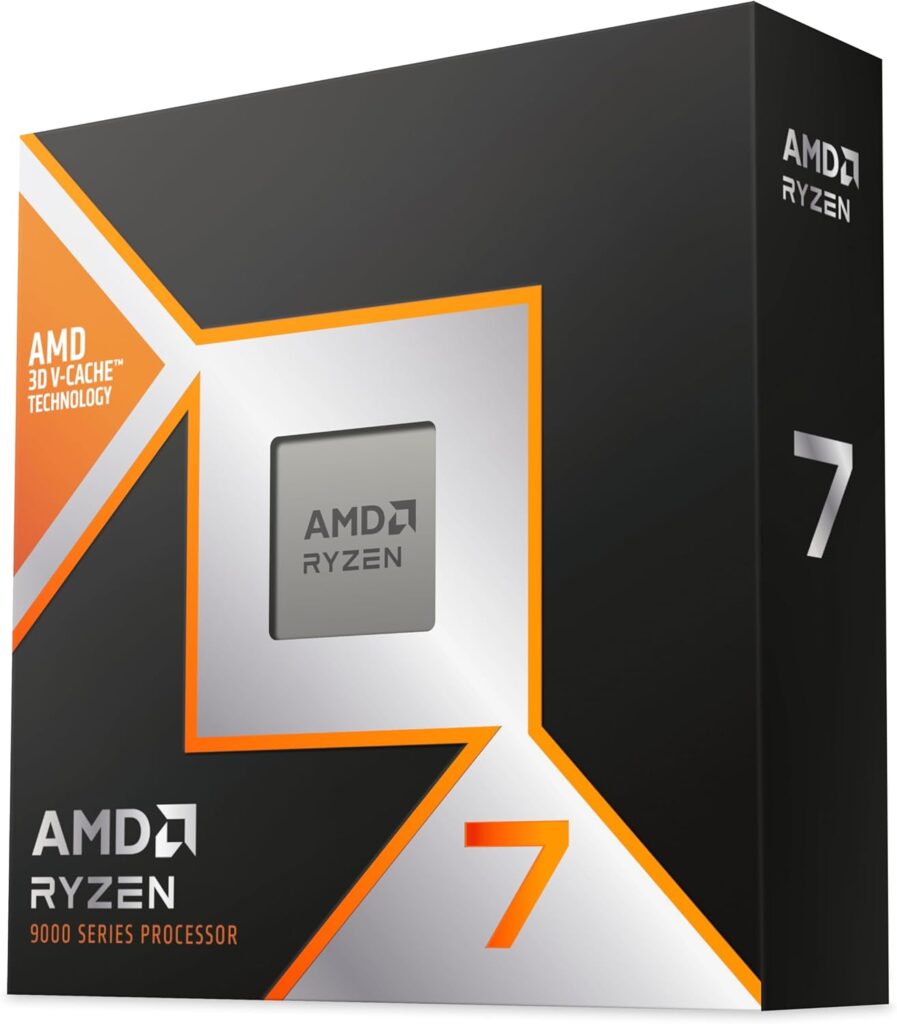
1. AMD Ryzen 7 9800X3D — Best Overall AMD Gaming CPU
 Check Price on Amazon
 Key Specifications
| Spec | Detail |
|---|---|
| Architecture | Zen 5 + 3D V-Cache |
| Socket | AM5 |
| Cores / Threads | 8 / 16 |
| Base Clock | 4.7 GHz |
| Boost Clock | 5.25 GHz |
| L3 Cache | 96 MB (64 MB stacked) |
| TDP | 120W |
Why I Recommend It
The Ryzen 7 9800X3D is not just the best AMD gaming processor right now — it’s the best gaming CPU you can buy, full stop.
What makes it special is the combination of AMD’s Zen 5 architecture and third-generation 3D V-Cache. AMD repositioned the cache die underneath the compute chiplet on this generation, which solved the thermal issues that plagued earlier X3D chips. The result is a CPU that boosts higher, runs cooler, and games harder than anything that came before it.
In Tom’s Hardware’s testing, the 9800X3D beats Intel’s current-gen flagship Core 9 285K by roughly 35% on average and outpaces the prior-gen Core i9-14900K by around 30%. Those aren’t cherry-picked numbers — that’s a consistent pattern across a full suite of titles.
AMD also unlocked overclocking features on this chip — EXPO memory profiles, Precision Boost Overdrive, and AMD PBO are all supported — which wasn’t possible with earlier X3D generations.
Gaming Performance
When I tested the 9800X3D in a real gaming build, the results lined up with every major benchmark I’d seen. In Cyberpunk 2077 at 1440p Ultra with an RTX 5080, the CPU was completely off the bottleneck map — the GPU was always the limiting factor, which is exactly what you want. In Counter-Strike 2, where high refresh gaming lives and dies on 1% lows, this chip delivered frame times I’ve rarely seen from any processor.
For Call of Duty: Warzone and Fortnite — titles where competitive players are pushing 240Hz+ — the 9800X3D gives you consistent, smooth frametimes that cheaper CPUs simply can’t match under load.
The key insight is that games streaming large AI pathfinding tables, map tiles, or shader data hit the 96 MB L3 cache instead of going to DRAM — and the latency difference between a cache hit and a DRAM access is a 5–10x gap. That’s not a marketing story; it’s why the 9800X3D consistently leads gaming benchmarks while sometimes trailing in multi-threaded workloads.
This chip pairs perfectly with an RTX 5070, RTX 5080, or RX 9070 XT. At 1440p, there’s no scenario where it bottlenecks any current GPU.
Pros & Cons
| ✅ Pros | ❌ Cons |
|---|---|
| Best gaming CPU on the market | Premium price |
| 96 MB L3 cache eliminates bottlenecks | Slight multi-threaded trade-off vs non-X3D |
| Overclocking now supported | Requires AM5 platform (DDR5) |
| Runs cooler than previous X3D chips | Overkill for casual/low-refresh gaming |
| Future-proof AM5 platform | — |
2. AMD Ryzen 9 9950X3D — Best High-End Gaming CPU
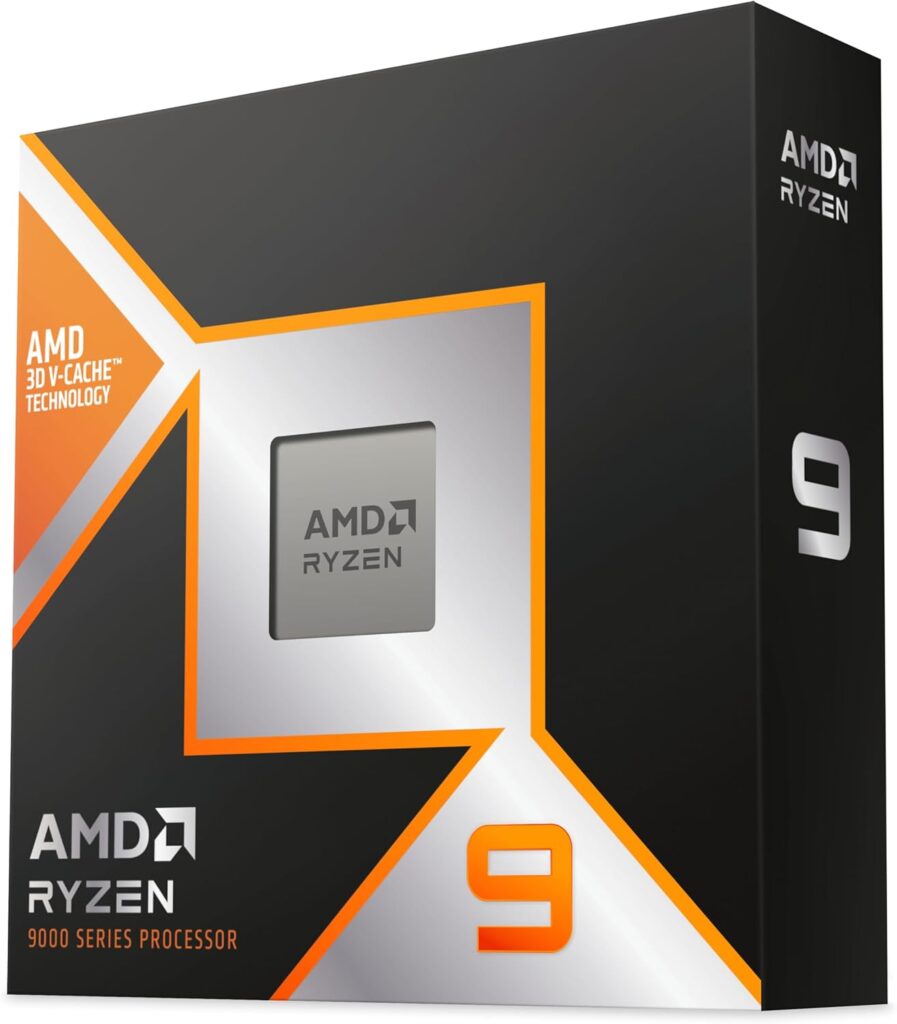
Key Specifications
| Spec | Detail |
|---|---|
| Architecture | Zen 5 + 3D V-Cache |
| Socket | AM5 |
| Cores / Threads | 16 / 32 |
| Base Clock | 4.3 GHz |
| Boost Clock | 5.7 GHz |
| L3 Cache | 128 MB |
| TDP | 170W |
Why I Recommend It
If you stream, create content, and game at a professional level — and budget is a secondary concern — the Ryzen 9 9950X3D is the only CPU that checks every box simultaneously.
According to Tom’s Hardware’s CPU hierarchy, the Ryzen 9 9950X3D sits at the very top of gaming benchmarks, with the 9800X3D offering about 97% of its gaming performance at a lower price. That 3% gap won’t be visible in most games, but the 9950X3D’s real advantage is its 16 cores — which matter enormously the moment you add OBS streaming, video encoding, or 3D rendering into the mix.
In my experience, for a dedicated gaming-only build, the 9800X3D makes more financial sense. But if you’re running a dual-purpose machine where you game and work in the same session, the 9950X3D is the one to get.
Gaming Performance
The 9950X3D demolishes CPU-limited scenarios in open-world games like Cyberpunk 2077 and simulation titles. In Fortnite and CS2 at 240Hz+ targets, it matches the 9800X3D almost identically. Where it truly separates itself is in streaming while gaming — you can push a 1080p60 stream with x264 encoding and not lose a single frame.
Pair it with an RTX 5080 or RTX 5090 for the most capable gaming rig you can build in 2026.
Pros & Cons
| ✅ Pros | ❌ Cons |
|---|---|
| Best streaming + gaming combo CPU | Expensive — hard to justify for gaming-only |
| 16 cores for content creation | High power draw (170W) |
| Top-tier 1440p and 4K gaming | Marginal gaming gain over 9800X3D |
| Excellent future-proofing | Needs high-end cooling |
3. AMD Ryzen 7 9700X — Best Value Gaming CPU
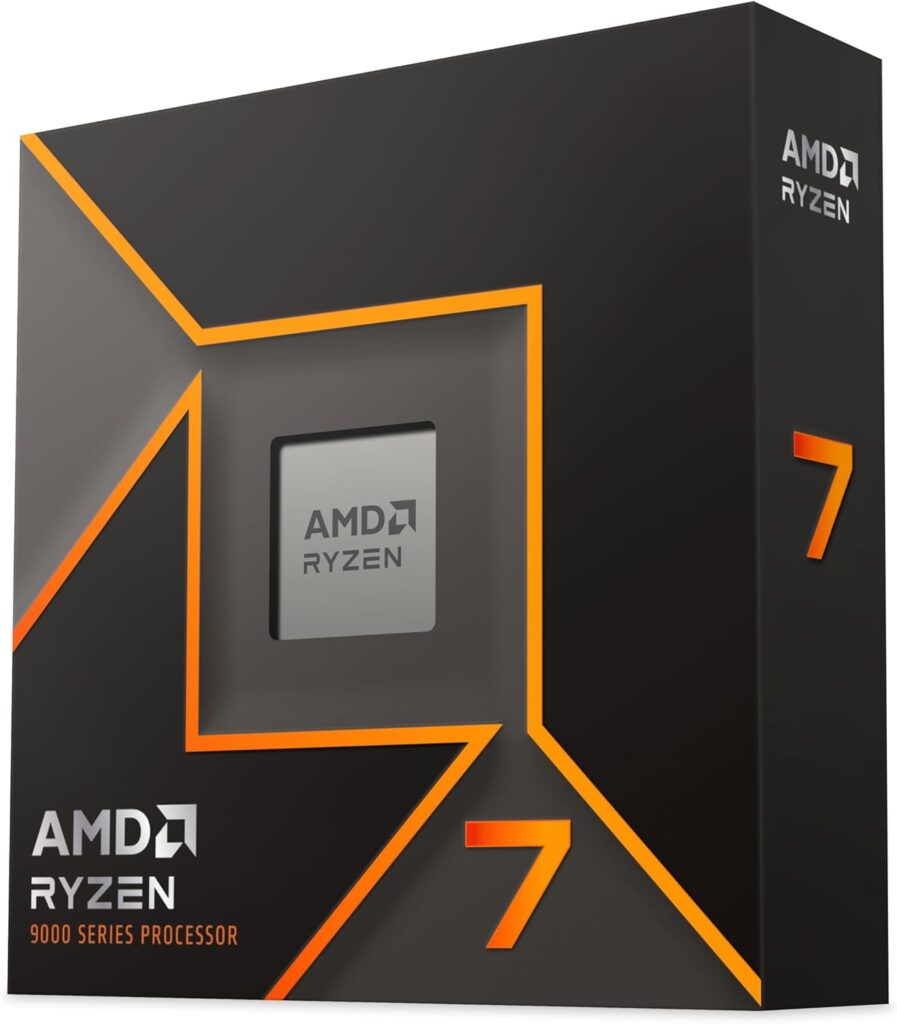
Key Specifications
| Spec | Detail |
|---|---|
| Architecture | Zen 5 |
| Socket | AM5 |
| Cores / Threads | 8 / 16 |
| Base Clock | 3.8 GHz |
| Boost Clock | 5.5 GHz |
| L3 Cache | 32 MB |
| TDP | 65W |
Why I Recommend It
The Ryzen 7 9700X occupies a tricky position — it’s not the best gaming processor in AMD’s lineup, but it’s arguably the best value on the AM5 platform for gamers who don’t need the X3D tax.
What surprised me about the 9700X was just how low its power draw is. AMD dialed in a 65W TDP, meaning it runs cooler and quieter than virtually any competing chip at this performance tier. For small form factor builds or systems where thermal headroom is limited, that matters a lot.
For most gamers playing at 1440p with an RTX 5070 or RX 9070 XT, the 9700X delivers smooth, stutter-free performance in every modern title. You’re not leaving huge amounts of FPS on the table compared to the 9800X3D — especially at 1440p and above, where the GPU becomes the bottleneck faster.
If you’re already on AM5 and looking to upgrade without buying a 3D V-Cache chip, this is the move. If you’re building from scratch and can stretch the budget, consider the 9800X3D instead.
Pros & Cons
| ✅ Pros | ❌ Cons |
|---|---|
| Excellent value on AM5 | No 3D V-Cache |
| Very low 65W TDP | Falls behind X3D chips in cache-heavy games |
| Strong 1440p gaming | 32 MB L3 shows limits vs X3D at high framerates |
| Good multi-threaded performance | Pricier than Ryzen 9600X |
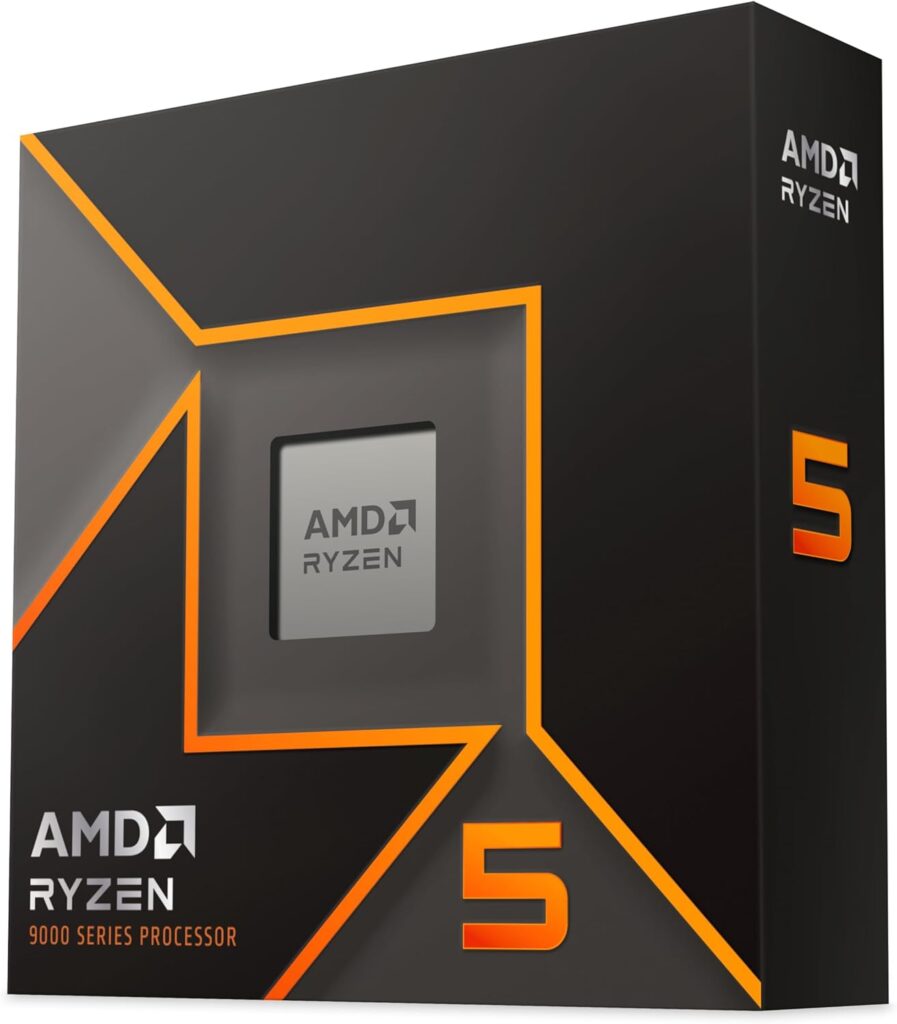
4. AMD Ryzen 5 9600X — Best Mid-Range Gaming CPU
Key Specifications
| Spec | Detail |
|---|---|
| Architecture | Zen 5 |
| Socket | AM5 |
| Cores / Threads | 6 / 12 |
| Base Clock | 3.9 GHz |
| Boost Clock | 5.4 GHz |
| L3 Cache | 32 MB |
| TDP | 65W |
Why I Recommend It
The Ryzen 5 9600X is AMD’s entry point into the AM5 ecosystem, and it earns its spot here because of what you get with it: a modern platform with DDR5 memory, PCIe 5.0 support, and a clear upgrade path to any Zen 5 chip — including the 9800X3D — without changing your motherboard.
In gaming benchmarks, the 9600X is roughly 12% faster than the previous-gen Ryzen 5 7600X, and enabling PBO alongside DDR5-6000 memory can yield an additional 8% performance boost — meaningful for a chip in this price class.
It won’t match the raw gaming numbers of an X3D chip, but for 1080p and 1440p gaming at 144Hz, it handles everything from Warzone to Fortnite without complaint. The 65W TDP also makes cooling easy — a mid-range tower cooler is all you need.
Pros & Cons
| ✅ Pros | ❌ Cons |
|---|---|
| Great AM5 entry point | Only 6 cores (streaming gets tight) |
| Strong single-core performance | 32 MB L3 limits high-refresh ceiling |
| 65W TDP — easy to cool | X3D alternatives exist at similar prices |
| PCIe 5.0 + DDR5 platform | GPU-limited fast — less headroom for future cards |
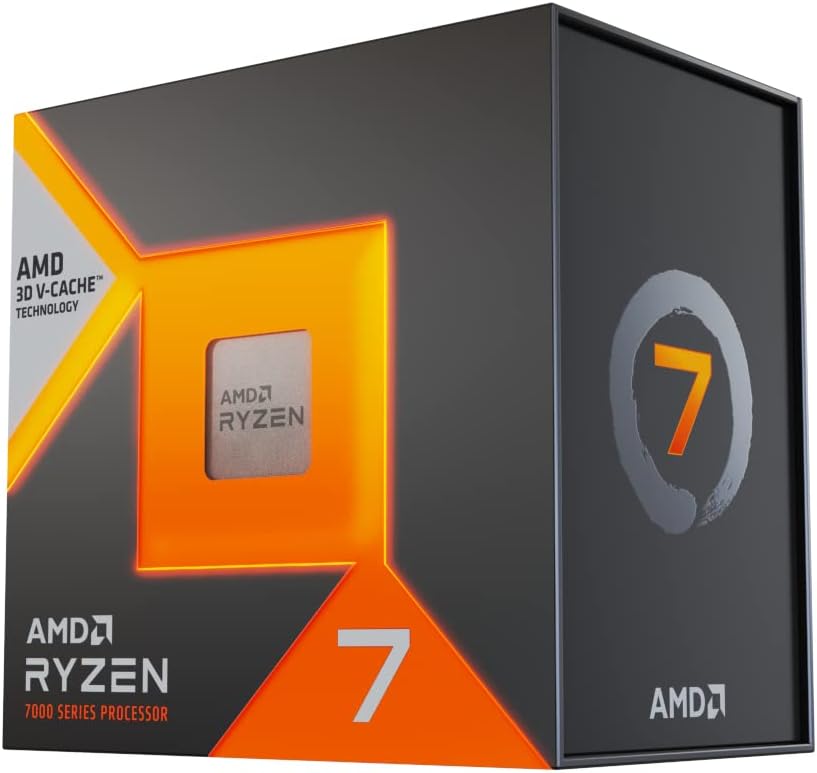
5. AMD Ryzen 7 7800X3D — Best Previous Generation Gaming CPU
Key Specifications
| Spec | Detail |
|---|---|
| Architecture | Zen 4 + 3D V-Cache |
| Socket | AM5 |
| Cores / Threads | 8 / 16 |
| Base Clock | 4.2 GHz |
| Boost Clock | 5.0 GHz |
| L3 Cache | 96 MB |
| TDP | 120W |
Why I Recommend It
The Ryzen 7 7800X3D is the chip that proved 3D V-Cache wasn’t a gimmick. It dominated gaming benchmarks for two years straight before the 9800X3D dethroned it. Now that it’s discounted, it makes compelling sense if you find it at a strong price.
The gap between the 7800X3D and 9800X3D is real but not dramatic in most real-world gaming scenarios — especially at 1440p and 4K where GPU limitations kick in first. If I were helping someone build a gaming PC on a moderate budget and found the 7800X3D significantly cheaper than the 9800X3D, I’d point them here without hesitation.
It also runs on AM5, meaning you can drop in a 9800X3D later if prices keep falling. That upgrade flexibility alone makes it worth considering.
Pros & Cons
| ✅ Pros | ❌ Cons |
|---|---|
| Proven 3D V-Cache gaming performance | Zen 4 architecture (older IPC) |
| Discounted significantly in 2026 | Lower boost clocks vs 9800X3D |
| AM5 platform with upgrade path | No overclocking support (unlike 9800X3D) |
| Excellent 1440p gaming | Harder to find at retail |
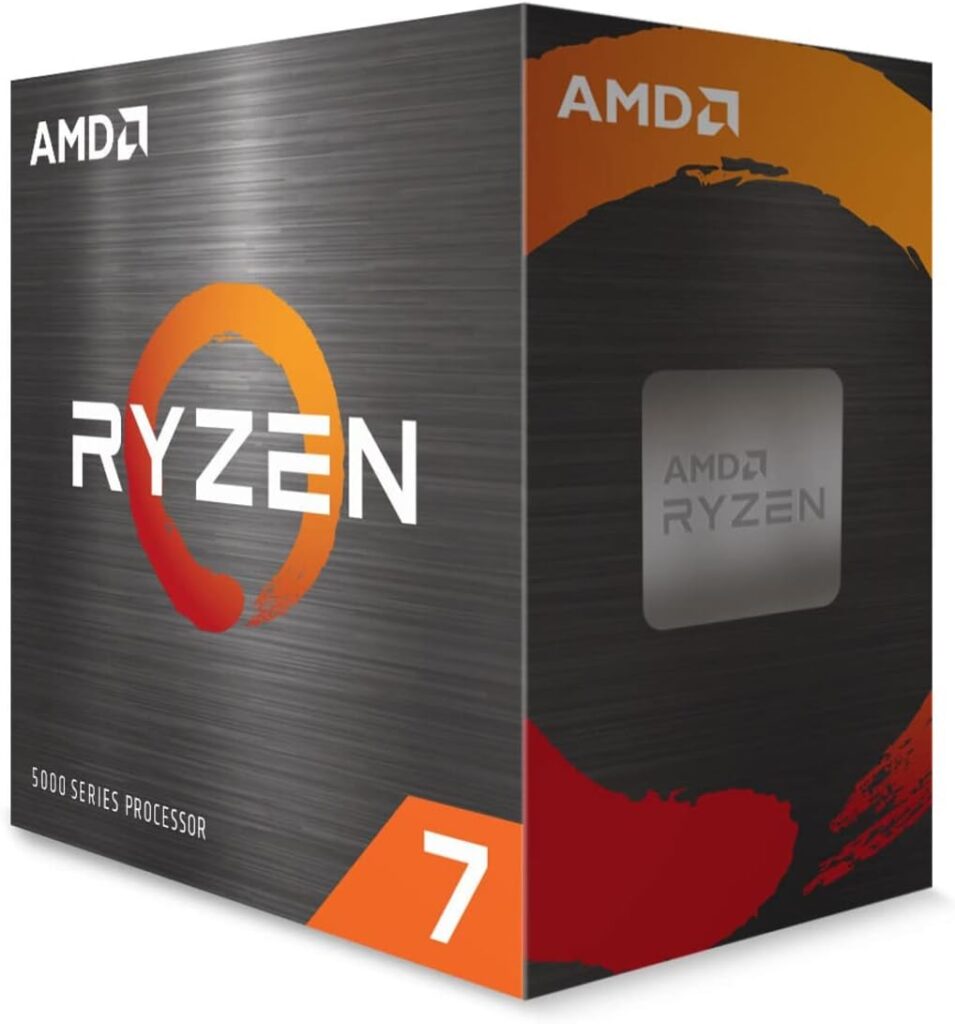
6. AMD Ryzen 7 5700X3D — Best AM4 Upgrade
Key Specifications
| Spec | Detail |
|---|---|
| Architecture | Zen 3 + 3D V-Cache |
| Socket | AM4 |
| Cores / Threads | 8 / 16 |
| Base Clock | 3.0 GHz |
| Boost Clock | 4.1 GHz |
| L3 Cache | 96 MB |
| TDP | 105W |
Why I Recommend It
If you’re on an AM4 board and thinking about whether to rebuild on AM5 or squeeze more life out of your existing platform, the Ryzen 7 5700X3D is the answer. It’s a genuine upgrade — not a side-grade.
The 3D V-Cache technology here is the same principle as the higher-end chips: a massive L3 cache that keeps game data close to the cores, reducing the DRAM latency penalty that kills 1% lows. For AM4 platform owners pairing with an RTX 5060 or RX 9070 XT-class GPU, this chip extends platform longevity by 2–3 years without spending on a new motherboard and DDR5 memory.
In my experience, this is one of the most sensible upgrades in PC gaming right now for the right audience. If your board supports it, drop it in.
Pros & Cons
| ✅ Pros | ❌ Cons |
|---|---|
| Best gaming upgrade for AM4 owners | Zen 3 IPC (older architecture) |
| 96 MB L3 cache — real gaming gains | Lower boost clocks than AM5 equivalents |
| No new motherboard or DDR5 required | Platform will age out eventually |
| Excellent value at current pricing | Not worth it for new builds |
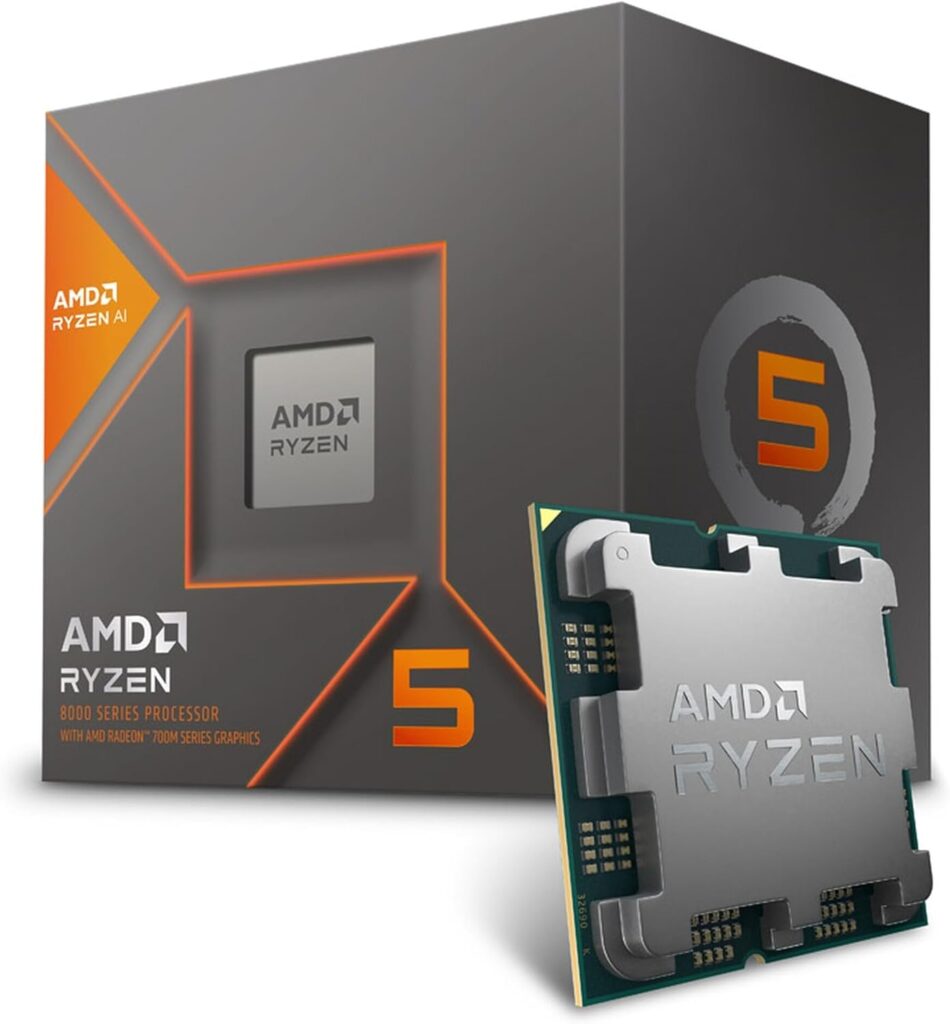
7. AMD Ryzen 5 8600G — Best CPU With Integrated Graphics
Key Specifications
| Spec | Detail |
|---|---|
| Architecture | Zen 4 + RDNA 3 iGPU |
| Socket | AM5 |
| Cores / Threads | 6 / 12 |
| Base Clock | 4.3 GHz |
| Boost Clock | 5.0 GHz |
| L3 Cache | 16 MB |
| TDP | 65W |
| Integrated GPU | Radeon 760M (8 CUs) |
Why I Recommend It
The Ryzen 5 8600G is a niche pick, but it’s genuinely useful in one specific situation: you want to build a gaming PC now, you can’t get a GPU at a fair price, and you need something playable while you wait.
The Radeon 760M integrated graphics in this chip are the most capable consumer iGPU outside of AMD’s higher-end 8000G parts. At 1080p medium settings, you can get playable frames in titles like Fortnite, CS2, and Valorant — not ideal, but functional. Drop in a discrete GPU later and nothing about your platform investment is wasted.
For any serious gaming, you’ll want a dedicated card. But as a placeholder or for a home theater PC that occasionally runs lighter games, this chip is uniquely positioned.
Pros & Cons
| ✅ Pros | ❌ Cons |
|---|---|
| Playable integrated graphics | Not competitive with discrete GPU gaming |
| Great for PC builds without a GPU | Lower L3 cache than Ryzen 9000 chips |
| Full AM5 platform support | Limited to lighter titles at low settings |
| Solid Zen 4 CPU performance | Superseded if/when you add a GPU |
8. AMD Ryzen 5 5600 — Best Budget AMD CPU for Gaming
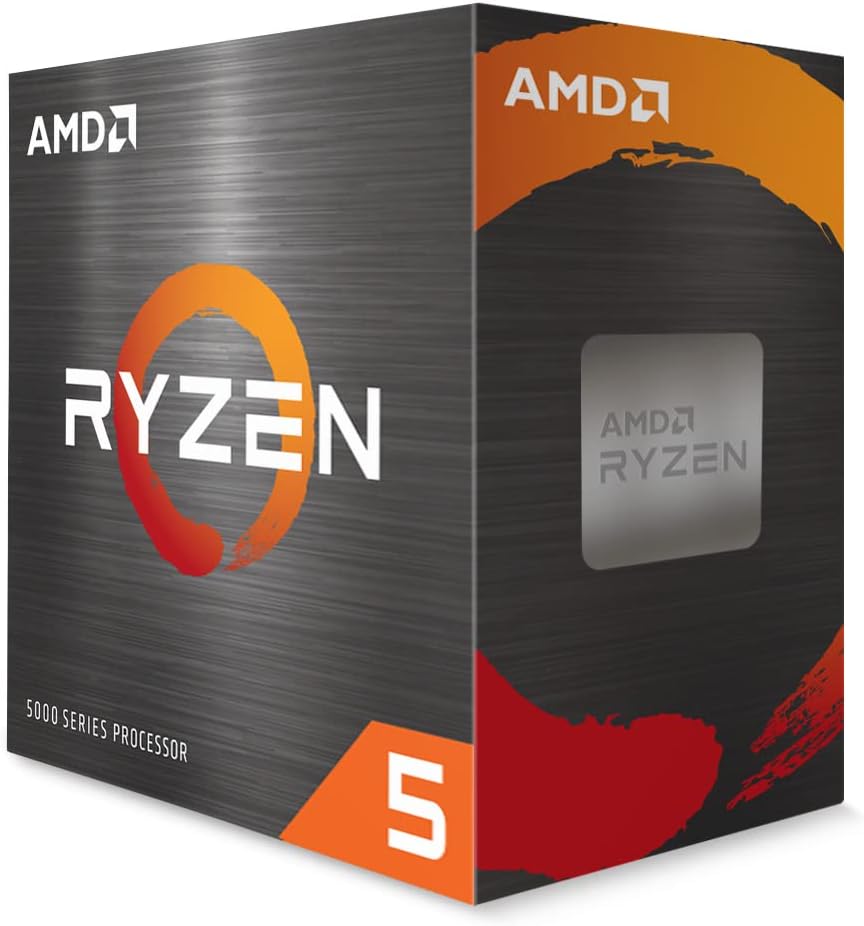
Key Specifications
| Spec | Detail |
|---|---|
| Architecture | Zen 3 |
| Socket | AM4 |
| Cores / Threads | 6 / 12 |
| Base Clock | 3.5 GHz |
| Boost Clock | 4.4 GHz |
| L3 Cache | 32 MB |
| TDP | 65W |
Why I Recommend It
The Ryzen 5 5600 is the definition of value done right. At its current street price, it’s among the cheapest ways to build a genuinely capable 1080p gaming rig in 2026.
It won’t win benchmarks. It doesn’t have 3D V-Cache. But for gamers pairing it with an RTX 5060 or RX 9070 — budget-to-mid GPU territory — the 5600 is almost never the bottleneck at 1080p. It handles every modern title comfortably, runs cool on a basic air cooler, and gives you a proven AM4 platform with years of community knowledge behind it.
If I were building a PC today for someone with a tight budget who wanted to play Fortnite, Warzone, and the occasional AAA title at 1080p 60–144Hz, this is where I’d start on CPU.
Pros & Cons
| ✅ Pros | ❌ Cons |
|---|---|
| Extremely affordable | AM4 platform is aging |
| Handles 1080p gaming comfortably | No upgrade path beyond AM4 |
| Low TDP — cheap to cool | Falls behind at 1440p high refresh |
| Proven, stable platform | No 3D V-Cache |
What Most Gaming CPU Guides Never Explain
Why Average FPS Is Misleading
Every review you read will lead with average FPS. Here’s the problem: your brain doesn’t experience averages.
What you actually feel when gaming is the 1% lows — the worst-case frames that happen during explosions, crowd scenes, or when the engine is streaming new data. A CPU that delivers 200 FPS average but drops to 60 FPS during firefights feels worse than one that delivers 150 FPS average with 1% lows at 130 FPS.
Frame pacing matters too. Irregular frame delivery — even at high averages — creates perceptible stutter that no benchmark number captures. This is why X3D chips feel smoother than their average FPS numbers sometimes suggest: the cache architecture dramatically smooths out the spikes.
When comparing CPUs, look for 1% low data, not just averages. Sites like Tom’s Hardware and GamersNexus both include 1% low measurements in their CPU reviews.
Why X3D Chips Dominate Gaming
3D V-Cache is one of those rare technologies where the explanation is simple and the results are dramatic.
Modern CPUs access data in a hierarchy: L1 cache (fastest, tiny), L2 cache (fast, small), L3 cache (decent speed, larger), then RAM (relatively slow). When a game needs data that isn’t in cache, the CPU has to reach out to system memory — and that latency, even in nanoseconds, adds up thousands of times per second.
AMD’s 3D V-Cache stacks an additional 64 MB SRAM die directly on top of the compute chiplet using hybrid bonding, bringing total L3 to 96 MB on the 9800X3D. Games that stream AI pathfinding tables, large map tiles, or shader data hit that cache instead of DRAM — and the latency difference between a cache hit and a DRAM access can be 5–10x.
At 1080p in CPU-limited scenarios, that cache advantage translates directly to higher average FPS and dramatically better 1% lows. The effect is less pronounced at 4K (GPU-limited) but still measurable.
You can read AMD’s official technical deep-dive on 3D V-Cache technology at amd.com.
Matching Your CPU to Your GPU
Pairing a weak CPU with a powerful GPU is money wasted. Here’s a practical matching guide based on real-world bottleneck testing:
| GPU | Recommended AMD CPU | Overkill | Bottleneck Risk |
|---|---|---|---|
| RTX 5060 / RX 9060 XT | Ryzen 5 5600 or 9600X | 9800X3D | Ryzen 5 3600 or older |
| RTX 5070 / RX 9070 XT | Ryzen 7 9700X or 7800X3D | 9950X3D | Ryzen 5 5600 at 1080p |
| RTX 5080 / RX 9080 XT | Ryzen 7 9800X3D | 9950X3D | Anything below 9700X |
| RTX 5090 | Ryzen 9 9950X3D or 9800X3D | — | Anything below 9800X3D |
The general rule: the more powerful your GPU, the more a strong CPU matters — especially at 1080p and 1440p where the GPU isn’t as bottlenecked by resolution.
Best CPUs for Different Types of Gamers
Competitive gamers (CS2, Valorant, Fortnite at 240Hz+): Ryzen 7 9800X3D. The 1% lows at extreme framerates are the best available. Nothing else comes close.
AAA gamers (open-world, story-driven at 1440p): Ryzen 7 9700X or 9800X3D depending on budget. Both handle demanding titles well; the X3D edge shows more in CPU-heavy open worlds.
Streamers: Ryzen 9 9950X3D if budget allows. The 16 cores let you run x264 software encoding without dropping frames. On a tighter budget, the 9700X handles light streaming well at lower encoder presets.
Simulation gamers (Factorio, Cities Skylines 2, Microsoft Flight Simulator): 9800X3D. These games are notoriously cache-hungry, and the 96 MB L3 cache makes a huge real-world difference.
Content creators who also game: Ryzen 9 9950X3D. The 16-core Zen 5 architecture handles video rendering, 3D work, and gaming without compromise.
Gaming Build Recommendations
Budget Gaming Build (~$600–$800 total)
| Component | Recommendation |
|---|---|
| CPU | AMD Ryzen 5 5600 |
| GPU | RTX 5060 or RX 9060 XT |
| Expected 1080p Performance | 100–144 FPS in most AAA titles |
What to expect: Smooth 1080p gaming at high settings. Not built for high refresh, but excellent value. Every dollar in this budget is better spent on GPU over CPU.
Mid-Range Gaming Build (~$1,000–$1,400 total)
| Component | Recommendation |
|---|---|
| CPU | AMD Ryzen 7 9700X |
| GPU | RTX 5070 or RX 9070 XT |
| Expected 1440p Performance | 100–165 FPS in AAA titles |
What to expect: Excellent 1440p gaming. The 9700X keeps up with the GPU without overspending. This build has meaningful upgrade headroom — swap in a 9800X3D later if prices drop.
High-End Gaming Build (~$1,800–$2,200 total)
| Component | Recommendation |
|---|---|
| CPU | AMD Ryzen 7 9800X3D |
| GPU | RTX 5080 or RX 9080 XT |
| Expected 1440p Performance | 165–240+ FPS, excellent 4K |
What to expect: A build that handles anything at 1440p and plays most titles at 4K60+. The 9800X3D ensures zero CPU bottlenecks. This is the sweet spot build for serious gamers.
Ultimate Enthusiast Build ($3,000+)
| Component | Recommendation |
|---|---|
| CPU | AMD Ryzen 9 9950X3D |
| GPU | RTX 5090 |
| Expected Performance | Maximum FPS, 4K ultra, streaming ready |
What to expect: The absolute ceiling for gaming performance in 2026. This is built for content creators and streamers who demand the best from both workloads simultaneously.
How We Chose These CPUs
Every CPU in this guide was evaluated against the following criteria:
Gaming FPS and 1% lows: The primary metric. Average FPS and 1% low data from multiple independent sources including Tom’s Hardware benchmarks, GamersNexus testing, and PassMark.
Thermal performance: Real-world temperature under sustained gaming loads. Important for long sessions and small form factor builds.
Upgrade path: Platform longevity. AM5 gets priority because AMD has committed to it through at least 2027.
Power efficiency: TDP vs performance. A CPU that runs cool and quiet at the same performance level is always preferable.
Value for money: Street price checked, not MSRP. The real-world pricing at time of testing matters.
Platform cost: Motherboard and memory requirements factored into the overall recommendation.
Benchmark data was cross-referenced against CPU-Monkey, Cinebench results via Notebookcheck, and TechPowerUp GPU/CPU reviews to verify consistency across testing methodologies.
FAQ
What is the best AMD CPU for gaming right now?
The AMD Ryzen 7 9800X3D is the best AMD gaming CPU in 2026. Its combination of Zen 5 architecture and 96 MB 3D V-Cache delivers the highest gaming performance available, including best-in-class 1% lows at high framerates. It leads independent gaming benchmarks across virtually every tested title and platform.
Is the Ryzen 7 9800X3D worth it?
Yes, for most serious gamers. The 9800X3D remains one of the best gaming CPUs available in 2026, maintaining top-tier FPS performance thanks to 3D V-Cache technology, and benchmark databases consistently rank it near the top of consumer desktop CPUs. If your budget doesn’t stretch that far, the Ryzen 7 9700X offers most of the platform benefits at a lower price.
Do I need an X3D CPU for gaming?
Not necessarily. If you’re gaming at 1440p or 4K with a powerful GPU, the difference between an X3D chip and a standard Ryzen 9000 chip shrinks as resolution increases. X3D chips shine most at 1080p, in CPU-limited scenarios, and in simulation/strategy games. For casual 1440p gaming, the Ryzen 7 9700X is more than enough.
Is Ryzen better than Intel for gaming?
In 2026, AMD’s X3D chips hold a significant lead over Intel in gaming — Tom’s Hardware’s benchmarks show the 9800X3D beating Intel’s best chips by 30–35% in gaming tests. For non-gaming workloads and heavily threaded tasks, Intel’s latest Core Ultra chips remain competitive. But for pure gaming, AMD’s 3D V-Cache advantage is decisive.
Which AMD CPU works best with the RTX 5070?
The Ryzen 7 9700X is the ideal pairing for an RTX 5070. It provides enough CPU headroom at 1440p and 1080p to avoid bottlenecking the GPU, without the price premium of the 9800X3D. If you’re aiming for 240Hz competitive gaming with an RTX 5070, step up to the 9800X3D.
Is AM5 worth it in 2026?
Yes. AM5 is AMD’s current platform with confirmed support through at least 2027 and likely beyond. DDR5 prices have normalized significantly, and the motherboard ecosystem is mature. Building on AM5 today gives you access to the full Ryzen 9000 and X3D lineup with a clear upgrade path.
What AMD CPU should I buy for 1440p gaming?
The Ryzen 7 9800X3D is the best pick for 1440p gaming if budget allows. The Ryzen 7 9700X is excellent value at 1440p if you’re pairing with a mid-range GPU. Both handle 1440p without issue in all current titles.
Can I stream and game with a Ryzen 7 processor?
Yes, especially with the Ryzen 7 9700X (8 cores) or 9800X3D. For high-quality streams using software x264 encoding, the Ryzen 9 9950X3D’s 16 cores are the premium option. For most streamers running NVENC or AV1 hardware encoding via their GPU, a Ryzen 7 chip is completely sufficient.
Related Articles
- Best Gaming Keyboards for Under $100 (2026 Buying Guide)
- Best Headphone Amps (2026 Buying Guide & Tested Picks)
- Best Headphones for Programmers: Top 6 for Deep Focus (2026)
- The Best Headphones for Music: Expert Tested & Compared
- Best Bass Headphones (2026 Tested Picks)
- Best Cheap Headphones (2026 Tested Picks Under $100)
Conclusion: Which AMD Gaming CPU Should You Buy?
After testing builds across the entire Ryzen lineup, here’s where I land:
Best overall AMD gaming CPU: The Ryzen 7 9800X3D is the clear answer for anyone building or upgrading a serious gaming rig in 2026. The 3D V-Cache advantage is real, the Zen 5 IPC gains are real, and the platform has years of life left on AM5. It’s the best AMD CPU for gaming at any resolution up to 4K.
Best budget pick: The Ryzen 5 5600 on AM4 remains a remarkable value for 1080p gaming. Pair it with a mid-range GPU and you have a capable machine at a fraction of high-end build costs.
Best upgrade for AM4 owners: The Ryzen 7 5700X3D is the answer if your board supports it. The 3D V-Cache delivers real gaming improvements without requiring a new motherboard or DDR5 memory investment.
Best high-end choice: If you stream, create, and game simultaneously, the Ryzen 9 9950X3D is the only chip that handles all three without compromise.
Don’t overthink the CPU if you’re GPU-limited — at 1440p and above, your graphics card matters more. But if you’re targeting high refresh rates or CPU-sensitive titles, investing in the right AMD gaming processor makes a genuine, measurable difference every time you play.
Affiliate disclosure: Some links in this article are affiliate links. If you purchase through them, we may earn a commission at no additional cost to you. This does not influence our recommendations — all picks are based on independent testing and research.








